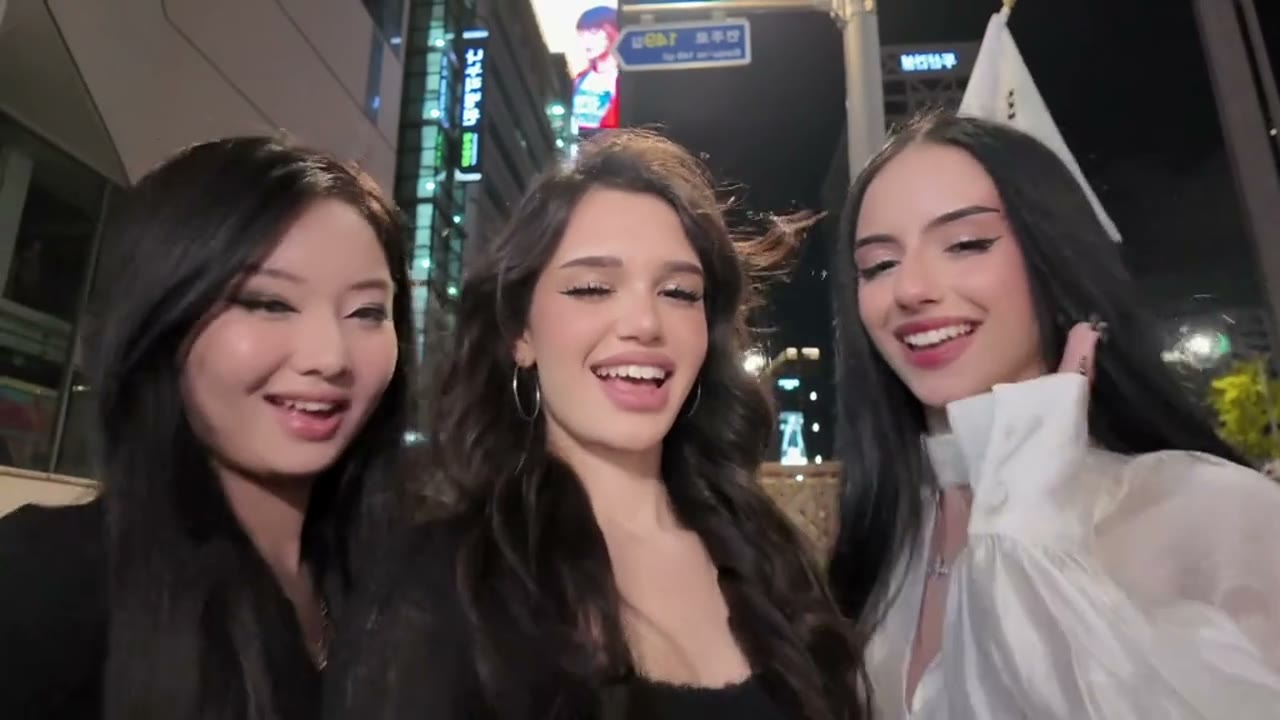
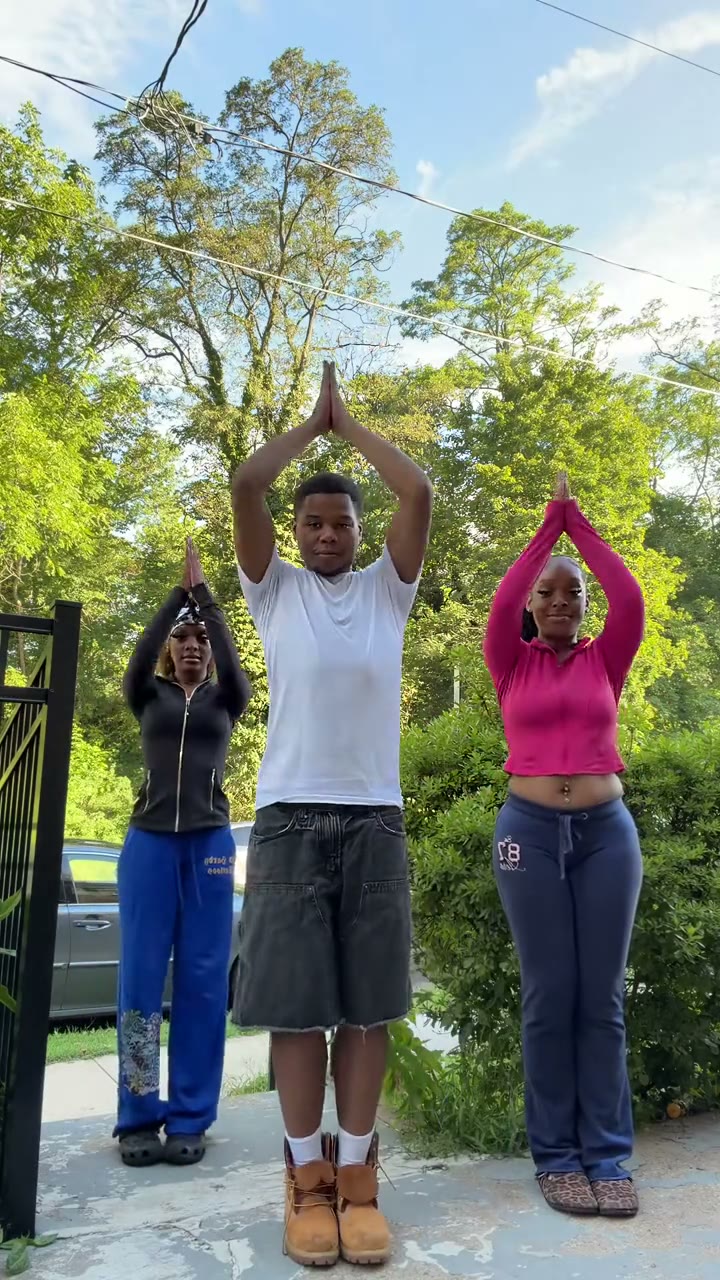
How to Make the Ramalama AI Costume Walk
The Ramalama costume walk starts with shoes and legs striding toward a low phone camera. On the whispered “takin' a picture of me” line, the camera whips upward to reveal the full outfit and face; the walker poses, twirls and smiles. This guide covers the trend's history, the 14-second shot, the one-photo method, ten Halloween looks plus your own costume, and the errors that break the reveal.
What the Ramalama trend is
The trend uses “Ramalama (Bang Bang)” by Irish singer Róisín Murphy, released on the 2005 album Ruby Blue. It is also called the Ramalama walk, costume walk, “take a picture” trend or “Did I win this trend?” walk. The phone hides the face for the first half, then reveals the costume on the whispered lyric.
Early walks appeared in July 2025. @swaggy_cucumber made it a major Halloween format with a three-witch street walk on 1 October 2025, later passing about 94 million plays. Róisín Murphy joined in that month. In October 2026, a sparkly princess, gold body paint and new group walks revived it.
The 14-second walk, beat by beat
| Time | Camera and action | Why it matters |
|---|---|---|
| 0–6.25 s | Low wide-angle phone tracks backward in front of the legs and shoes | Builds anticipation and hides the face |
| 6.25–6.75 s | One rapid whip-tilt from legs to full body and face | Must land on the whispered lyric |
| 6.75–9 s | Arms open and a playful taking-a-photo gesture | First clean view of the complete costume |
| 9–12 s | Eye contact, shoulder shimmy, hand on hip and laugh | Sells confidence and personality |
| 12–14 s | Complete twirl, costume moves, close smile to camera | Final outfit view and shareable ending |
Do not cut from the legs to the face. The fast upward move must be one continuous camera motion; the whip-up is the trend.
What you need
- One full-body photo of one adult, with face, hands, legs and shoes visible.
- A reference-video model that can keep one identity and outfit through walking, a fast camera move and a twirl. Use the Ramalama AI template or an equivalent character-replacement mode.
- The song cue from “Ramalama (Bang Bang)”, added by the template or selected in TikTok when posting.
- A vertical output: 9:16, about 14 seconds.
Method 1: make it from one photo
Open the Ramalama maker
Go to the Ramalama AI video generator. The low walk, reveal cue, poses and twirl are already timed.
Choose the costume
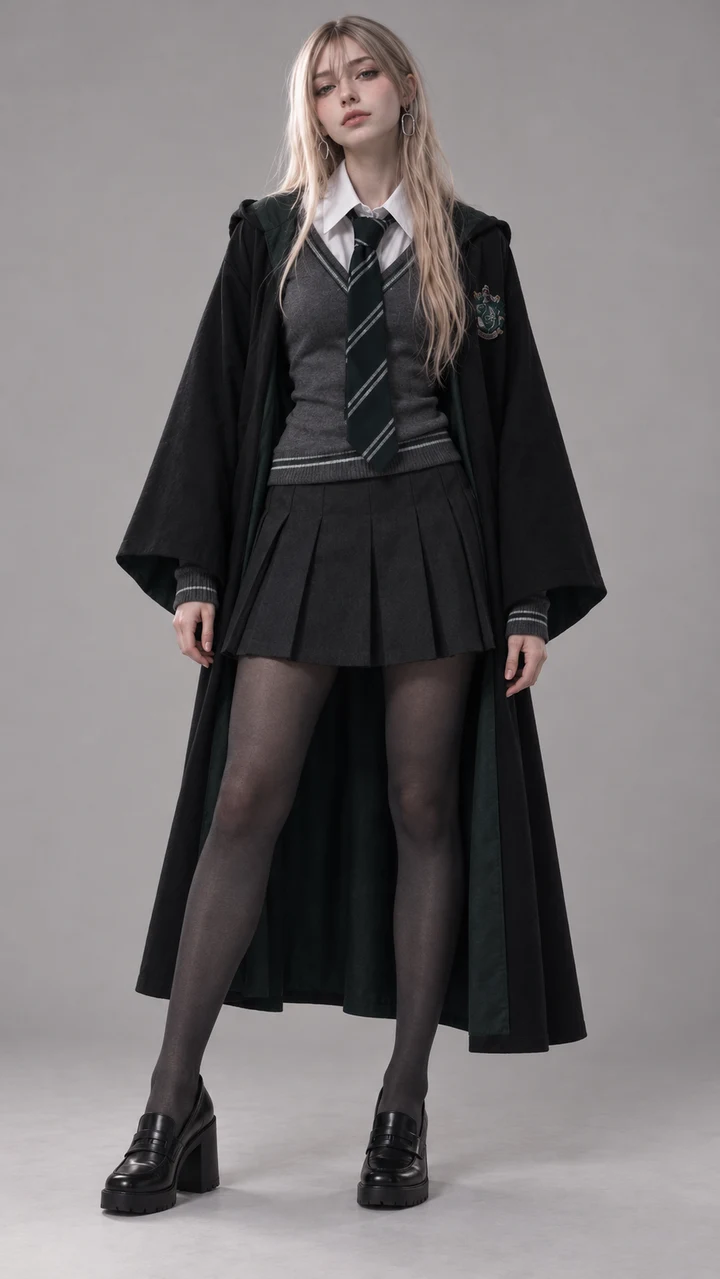
Pick witch, vampire, zombie, skeleton, devil, angel, black cat, pumpkin, ghost bride or sparkly princess. Pick My own costume to preserve the outfit in your photo.
Upload one full-body photo
Use one adult facing the camera in even light. Full body is best; knee-up can work if the shoes and lower outfit are still clear.
Choose the sound and quality
Keep the synced trend sound for a ready-to-post result, or choose No song and add the official sound inside TikTok.
Check the reveal
Download the 14-second vertical MP4. Check that the face stays hidden until the whip-up, the costume does not change and the twirl returns to the same person.
Make the Ramalama video with one photo
14-second 9:16 video with the trend sound, from 45 credits. No prompt needed.
Open the Ramalama generatorWhich costume should you choose?
| Costume | Key visual |
|---|---|
| Witch | Pointed hat, black dress, striped tights and boots |
| Vampire | High black-and-red collar, pale make-up and subtle fangs |
| Zombie | Dusty torn clothes and grey-green skin, without gore |
| Skeleton | Bone-print outfit and skull make-up |
| Devil | Small red horns, red outfit and arrow-tipped tail |
| Angel | White outfit, feathered wings and gold halo |
| Black cat | Cat ears, tail, cat-eye liner and all-black clothes |
| Pumpkin | Round orange top and leafy green stem hat |
| Ghost bride | Tattered white formalwear, torn veil and pale make-up |
| Sparkly princess | Sky-blue ball gown, gloves and crystal tiara |
| My own costume | The complete outfit, make-up and shoes from your photo |
How to choose the photo
- Show head to shoes. The opening spends six seconds on legs and footwear.
- Keep hands visible. The second half uses gestures and a hand-on-hip pose.
- Face forward in bright, even light. The face appears after a motion-blurred whip-up and needs a strong identity reference.
- Use one person only. Group photos can blend identities.
- For My own costume, wear everything. Include shoes, make-up, hat, cape and accessories in the input.
Method 2: build it with a reference-video model
A text-to-video prompt can create a costume walk, but it usually reveals the face too early or cuts to a new angle. Use a model that accepts the original walk as motion reference and a full-body image as the identity reference.
Use the clean vertical walk
The reference controls the six-second low shot, backward tracking, whip-up, poses and twirl.
Lock one identity and outfit
Require the same face, build, costume, shoes and accessories before and after the reveal.
Keep the phone-video look
Ask for handheld bob, wide-angle perspective and natural motion blur, not a gimbal or tripod.
Test the reveal first
Use a low-cost render to check that the face appears only after about 6.25 seconds.
Align the official sound
Place the whispered cue exactly under the upward whip before posting.
Common mistakes and how to fix them
- The face appears in the opening. Frame from shoes to upper legs and explicitly hide the face until the whip-up.
- The reveal is a hard cut. Require one continuous upward camera move with no edit or morph.
- The costume changes after the reveal. Repeat every major item—hat, make-up, shoes, cape or gown—and require continuity.
- The camera waits instead of tracking. The operator must keep walking backward in front of the subject.
- The result looks like an advertisement. Add handheld bob, phone wide-angle perspective and natural motion blur.
- Identity breaks during the twirl. Keep the turn to one complete rotation and ask for the same face when the subject returns.
Label the post as AI-generated wherever TikTok, Instagram or YouTube asks.
Ramalama costume walk examples
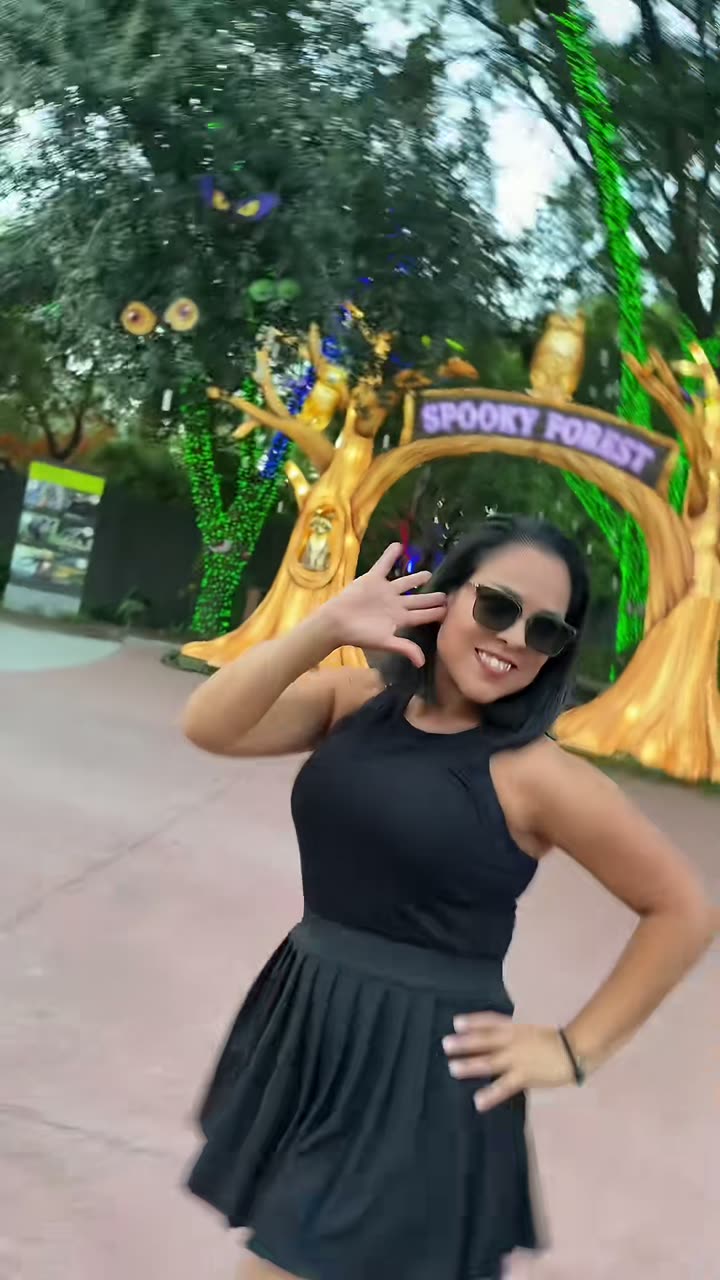
The examples include the three-witch walk that made the format huge, the sparkly princess revival, gold body paint, a storybook group and the daylight solo walk used as the motion reference.
The three-witch walk that made the trend huge
Head-to-toe gold body paint
Sparkly princess night-street reveal
Four-friend storybook group
Daylight witch walk used by the solo template
Make the Ramalama video with one photo
14-second 9:16 video with the trend sound, from 45 credits. No prompt needed.
Open the Ramalama generatorFAQ
How do I make the Ramalama trend with AI?
Upload one full-body adult photo to the Ramalama template, choose a costume and generate. The template follows the original 14-second vertical walk and aligns the reveal to the song cue.
What is the “taking a picture of me” song?
It is “Ramalama (Bang Bang)” by Róisín Murphy, released in 2005. The whispered lyric is the cue for the camera to reveal the costume.
Can the AI add a Halloween costume?
Yes. Choose one of ten generic Halloween looks. If you already wear the look you want, choose My own costume to preserve the outfit in your full-body photo.
Can I use a selfie?
A tight selfie is not recommended because the template needs body build, legs, hands and shoes. Use a full-body or at least knee-up photo.
How long is the Ramalama AI video?
This template produces a 14-second vertical 9:16 MP4.