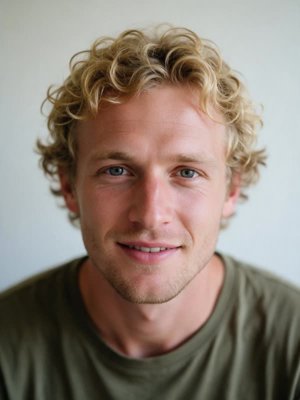
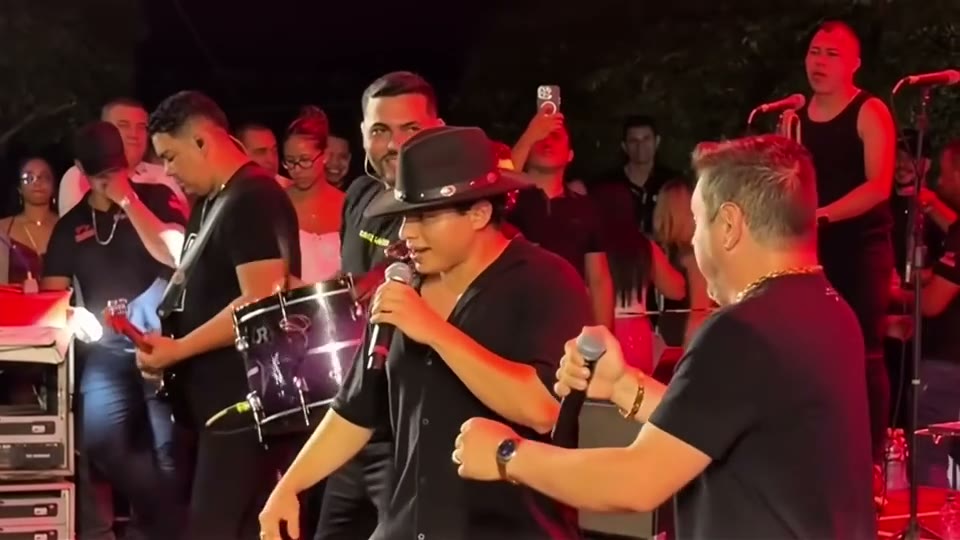
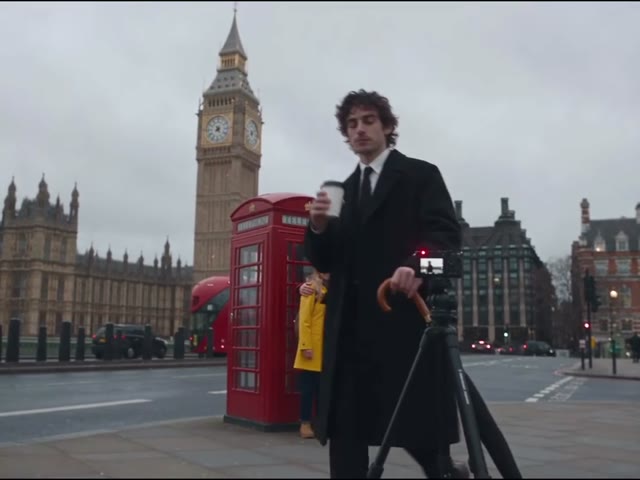
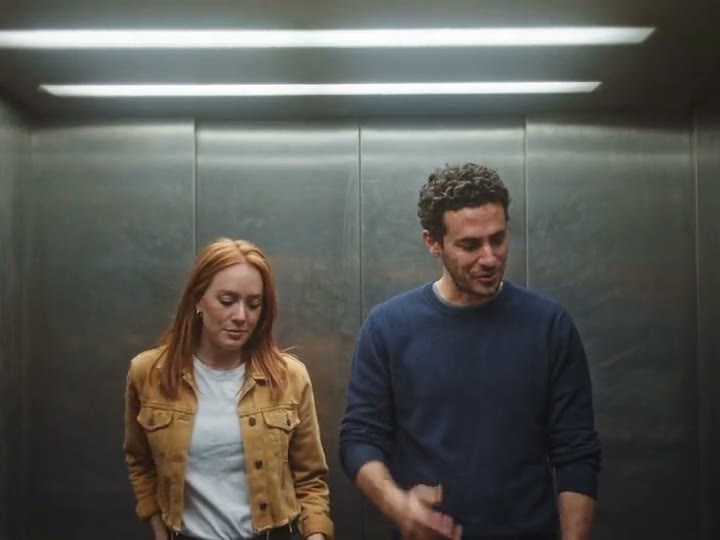
The red lights, the speaker, the crowd filming on phones, and someone new in the middle.
How to make the Bulin 47 AI trend: upload one photo and you take the freestyler's spot under the red lights, crowd filming. One click, a 10-second MP4.
1 photo
10s
9:16
♪ Bulin 47 freestyle soundtrack composited in post-production
✦ Just you
Photos in
You in the middle; the crowd stays as in the clip.
What is the Bulin 47 AI trend?
The Bulin 47 AI trend comes from a street freestyle. On 2 October 2026 a TikTok creator filmed the Dominican artist Bulin 47 answering a dembow beat from a portable speaker with an improvised freestyle, under red lights at a restaurant entrance, while the people around them filmed on their phones. The clip passed 4 million plays on TikTok within a week.
Template clip: an own-face version of the freestyle, posted 8 October 2026. Trend began: October 2026. @visjanukcenaj on TikTok
Why everyone is remaking it
Days later the AI versions began: the speaker, the crowd, the red light and the camera stay, and someone else stands in the middle. Creators have used their own faces, footballers, cartoon characters and cats. Our template keeps the scene and puts you in the freestyler's spot.
How the Bulin 47 AI trend went viral
October 2, 2026: @kevincitooficial11 posts the freestyle with Bulin 47. By 10 October: 4.38 million plays and 534,000 likes. TikTok
October 6, 2026: @adolfo___angel posts a cat in the freestyle spot. By 10 October: 83,500 plays. TikTok
October 8, 2026: @visjanukcenaj posts a version with his own face. By 10 October: 667,000 plays. Our template copies this clip. TikTok
Play counts were read on October 10, 2026 and keep changing.
The Bulin 47 AI trend, beat by beat
0–2s
The freestyler steps into the circle under red light and starts rapping over the beat from a portable speaker, fist tapping the chest.
2–4s
The phone camera pushes in between shoulders; both hands gesture toward the man holding the speaker.
4–6s
Leaning toward the speaker, rapping hard and pointing, a glowing phone screen big in the foreground.
6–8.5s
A sudden wide-eyed face to the camera, hands waving with the beat, and a peace sign pops into frame.
8.5–10s
Arms from the crowd shoot up into the frame and everyone cheers.
2 ways to make the Bulin 47 AI trend
Just you: One photo; you take the freestyler's spot, the crowd stays as in the clip.
Theme crowd: You in the middle; everyone around you becomes the theme you pick. Themes: Horror night, Zombie crowd, Football fans.
Just you
How to make a Bulin 47 video
Pick your photo
One person, face clearly visible. You stand in the centre in the black T-shirt with a chain.
Choose the crowd and sound
Keep the crowd from the clip or pick a theme; keep the trend sound or pick No song.
Generate
Pick 480p or 720p. Failed videos are refunded automatically.
Download and post
Download the 10-second MP4 and post it on TikTok, Reels or Shorts. Label it as AI-generated where the app asks.
Make the Bulin 47 AI trend yourself: what the prompt needs
To make it yourself you need an image-to-video model that takes a reference photo and motion reference video, such as Seedance 2.0. The motion video guides the street freestyle and phone camera silently, and the audio is merged in post-production.
The red-lit entrance: A restaurant entrance at night, red LED strips on the wall and steps, a glass door with warm light behind. The red is the trend's signature.
The speaker and the phones: A man in the foreground with a big portable speaker on his shoulder, filming; others filming behind. This is what makes it read as Bulin 47.
Phone-camera feel: Handheld, close, shaky and drifting, slight noise, vertical 9:16. A smooth cinematic camera kills the vibe.
The beats: Time-stamp the moves: chest taps, pointing at the speaker, the surprised face, the cheering at the end.
Post-production soundtrack: Generate clean motion with silent video reference, then lay the 10 seconds of the Bulin 47 freestyle soundtrack in post-production.
Photo tips for Bulin 47
One photo, one person: a clear, front-facing face. The crowd around you stays as it is.
Short or tied-back hair reads best under the red light; your outfit comes from your photo.
Clips belong to their creators and are shown with credit and a link to the original post. Creators can ask us to remove a clip.
Bulin 47 FAQ
How do I do the Bulin 47 AI trend?
+
Upload one clear photo of your face to the maker on this page and press Generate. In a few minutes you get a 10-second vertical MP4 of you in the freestyler's spot, with the speaker, the crowd and the red lights from the clip, ready to post on TikTok.
What is the Bulin 47 AI trend?
+
A TikTok trend that recasts the Bulin 47 street freestyle from 2 October 2026: AI puts someone else in the freestyler's spot while the speaker, the crowd and the red lights stay the same.
Can I put my pet in the Bulin 47 video?
+
This template is set up for a person. Pet versions exist on TikTok, but this template is built to copy a human face.
Does the video include the song?
+
Yes. The 10 seconds of the freestyle sound are composited in post-production. Switch to No song to get only the crowd sound, then add the official sound inside TikTok so your post joins the trend.
Which AI is used for the Bulin 47 trend?
+
This template runs on Seedance 2.0 with a silent motion reference, compositing the trend soundtrack in post-production.
What prompt do I use for the Bulin 47 AI trend?
+
Describe the red-lit restaurant entrance at night, the man with the speaker on his shoulder, the crowd filming, a shaky phone camera, and the moves in time slots. The section above explains each part, or use this template, which has it built in.
Who is Bulin 47?
+
A Dominican dembow artist. The trend comes from a street freestyle filmed on 2 October 2026, which passed 4 million plays on TikTok in a week.
How long does it take?
+
About five minutes with the template, most of it waiting for the video. Failed videos are refunded automatically.
People also search for
bulin 47 ai trend
bulin 47 ai video
bulin 47 freestyle ai
bulin 47 tiktok trend
bulin 47 dembow ai
bulin 47 trend with my face
how to make bulin 47 ai trend
How to Make the Bulin 47 AI Trend
The Bulin 47 AI trend recasts a street freestyle: red lights at a restaurant entrance, a man holding a portable speaker on his shoulder, a crowd filming on their phones, and someone new rapping in the middle. This guide covers where it came from, the beats to hit, the one-photo way, the do-it-yourself way, and how to keep the raw phone-video feel that makes it work.
On 2 October 2026 @kevincitooficial11 filmed the Dominican artist Bulin 47 answering a dembow beat from a portable speaker with an improvised freestyle, under red lights at a restaurant entrance, while everyone around filmed. It passed 4 million plays within a week.
Days later the AI versions began: a cat in the freestyle spot on 6 October, then @visjanukcenaj with his own face on 8 October, which our template copies. The speaker, the crowd, the red light and the shaky camera stay; only the person in the middle changes.
It looks unplanned, but every good remake hits the same beats:
Time
What happens
Why it matters
0–2 s
Steps into the circle, starts rapping, fist tapping the chest
Establishes who is freestyling
2–4 s
Camera pushes in between shoulders; hands gesture at the speaker
The speaker is part of the joke
4–6 s
Leans toward the speaker, rapping hard, a phone screen glowing in the foreground
The phone-in-the-crowd look
6–8.5 s
A sudden wide-eyed face to camera; a peace sign pops into frame
The reaction moment people screenshot
8.5–10 s
Arms shoot up from the crowd, everyone cheers
The ending energy
Keep it raw. A smooth, cinematic camera makes it look like an ad and loses the trend.
What you need
One photo of the person who freestyles: front-facing, face clearly visible. The red light is strong, so a well-lit photo helps.
An AI video tool: our Bulin 47 template, or an image-to-video model such as Seedance, Kling or Veo.
The trend sound: added by the template, or picked in TikTok so your post joins the trend.
Method 1: the one-photo way (about 5 minutes)
Open the template
Go to the Bulin 47 AI generator. The red-lit entrance, the speaker, the crowd and the camera are set up.
Upload your photo
One person, face clearly visible. You stand in the middle, in the clothes from your photo.
Pick the crowd
Just you keeps the crowd from the clip. Theme crowd keeps you in the middle and turns everyone around you into Horror night, a Zombie crowd or Football fans.
Keep or drop the sound
The trend sound plays by default; pick No song to add the official sound in TikTok.
Generate and download
Choose 480p or 720p. You get a 10-second vertical MP4 in a few minutes; failed videos are refunded automatically.
Any image-to-video model that keeps a face from a photo can do it if the scene is described precisely. Reference stills from the original clip help a lot with the red light and the crowd.
Choose the model and format
Seedance 2.0, Kling or Veo; vertical 9:16, about 10 seconds.
Collect three or four stills
Grab frames at the start, the speaker push-in, the surprised face and the cheering, and add them as reference images if your model accepts them.
Describe the scene
See the checklist below.
Add the sound
Generate with crowd sound and pick the official sound in TikTok.
What your prompt has to cover
The red-lit entrance. A restaurant entrance at night, red LED strips on the wall and steps, a glass door with warm light behind.
The speaker and the phones. A man in the foreground with a big portable speaker on his shoulder, filming; others filming behind.
Phone-camera feel. Handheld, close, shaky and drifting, slight noise, vertical.
The person in the middle. Face from your photo; black T-shirt, silver chain, light jeans unless you want your own clothes.
The beats in time slots. Chest taps, pointing at the speaker, the surprised face, the cheering at the end.
Common mistakes and how to fix them
It looks like a music video. Ask for a shaky handheld phone camera and noise; remove words like cinematic.
No speaker. Name the man with the speaker on his shoulder and where he stands.
The face goes dark in the red light. Use a brighter, front-facing photo.
The crowd is static. Give them actions: filming, waving, cheering at the end.
Label your video as AI-generated where TikTok, Instagram or YouTube ask. It is required on most platforms and does not hurt reach.
Bulin 47 AI examples
The original freestyle and the most played remakes, from own-face versions to a cat.