How to Make the Closed on Sunday AI Trend
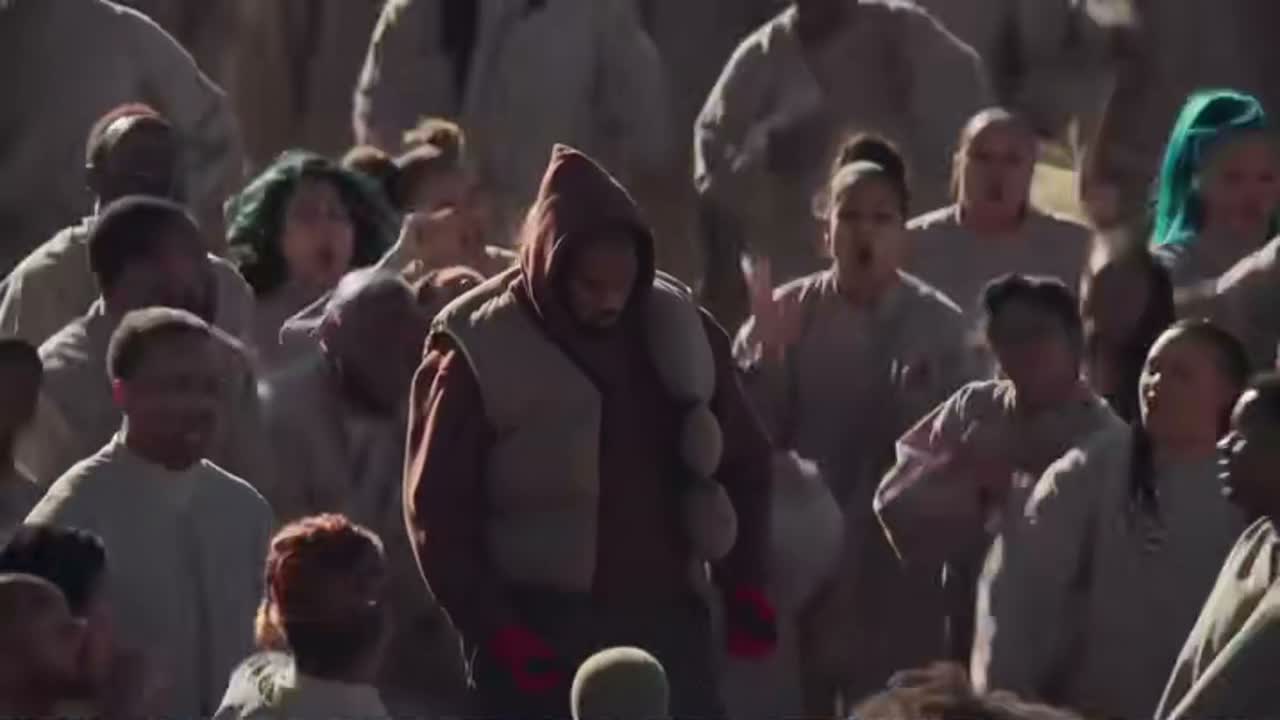
The Closed on Sunday AI trend puts one calm person or pet in the exact centre of a huge singing choir. The lead barely moves and keeps their mouth closed while everyone around them sways, claps and raises their hands. This guide covers the 14-second shot, the one-photo method, all 12 pictured choir presets, the do-it-yourself method and the mistakes that make a remake stop looking like the trend.
What the Closed on Sunday AI trend is
The format comes from the final choir scene in the 2019 music video for "Closed on Sunday": one figure stands still in the middle of the Sunday Service choir on a sunlit Wyoming hillside. A 2023 lyric edit by @lyricsdidit became the most watched version of the shot.
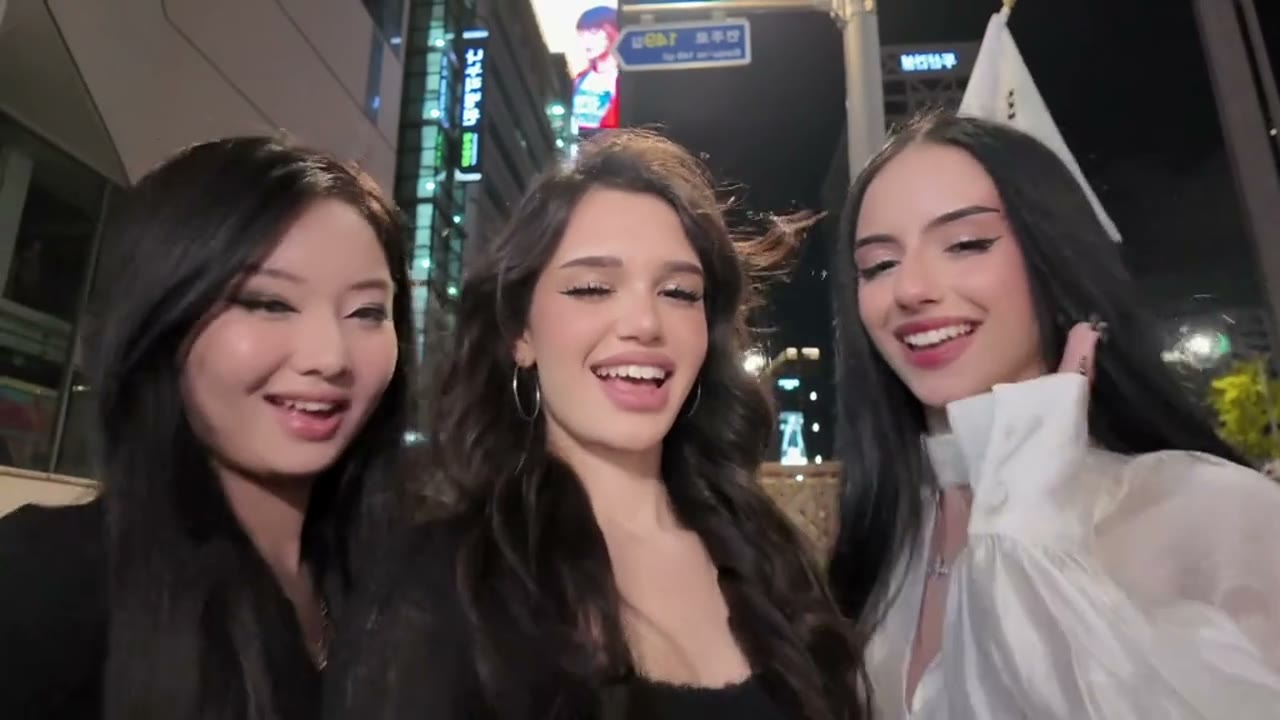
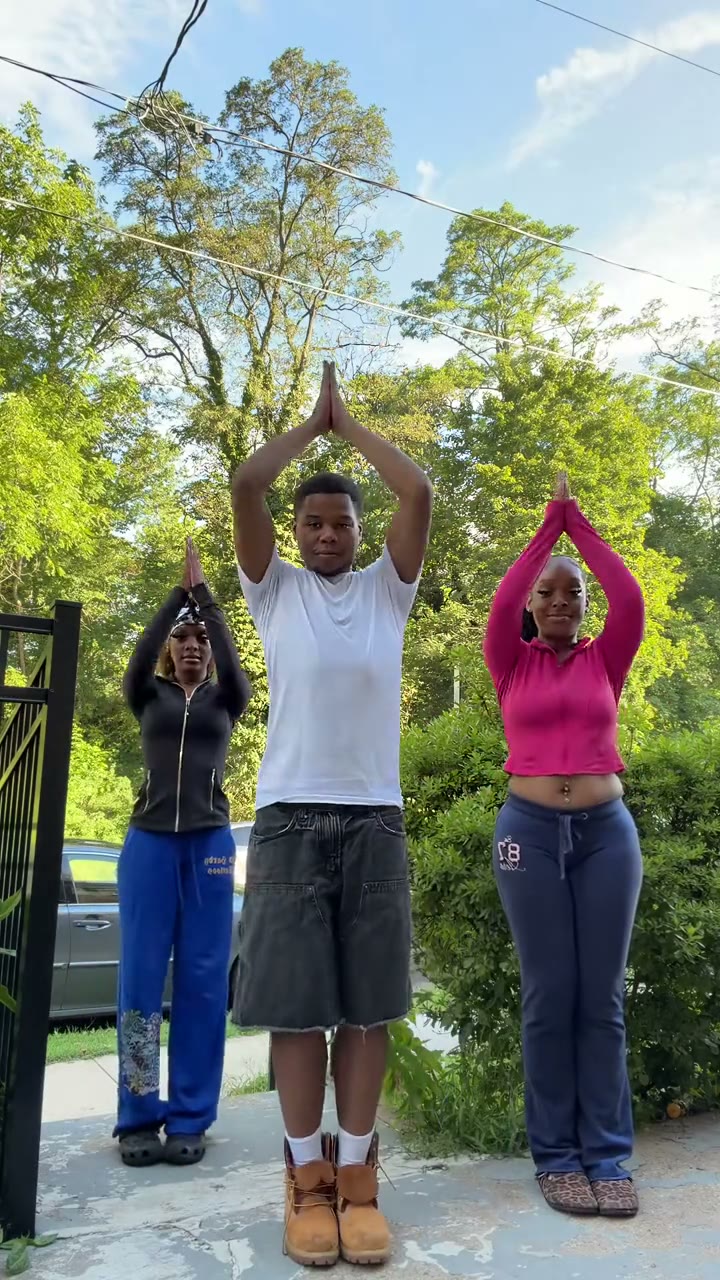
On 14 October 2026, @bellvtrix_ai posted a kitten surrounded by singing cats, and @downey.ai followed with a human split-screen remake captioned "Might've started a new trend". The new format keeps the shot and swaps the centre figure, the choir or both.
The 14-second shot, beat by beat
This is one continuous shot, not a montage. The contrast between the still lead and the energetic crowd is the whole effect.
| Time | What happens | What must stay fixed |
|---|---|---|
| 0–2 s | The choir already sings and sways | Lead centred, head slightly lowered, arms relaxed |
| 2–5 s | Scattered singers clap and raise their hands | Lead lifts the head only a little |
| 5–8 s | Movement rolls through the layered rows | Mouth closed; no singing or swaying |
| 8–11 s | The crowd reaches its highest energy | One smooth pull-back, no cut or angle change |
| 11–14 s | The widest view reveals more singers on every side | Lead remains readable and locked to the centre |
If the person in the middle starts singing or dancing, the result may look lively, but it is no longer this trend. Stillness is the joke.
What you need
- One clear photo of one person or one pet facing the camera, with the whole face visible.
- A reference-video AI tool that can follow the original camera move and crowd rhythm. Use our Closed on Sunday template, or a model with reference-video character replacement.
- The trend sound, either laid under the result by the template or added from the official sound when you post.
- About five to ten minutes with the template. Building the shot manually usually takes several attempts.
Method 1: make it from one photo
Open the maker
Go to the Closed on Sunday AI generator. The 14-second reference shot, camera move and timing are already set.
Choose a pictured choir
Pick one of the 12 image cards. The preview is the actual visual reference for that preset, not a text-only label.
Upload one photo
Use one front-facing person or pet. A calm expression works best because the centre figure stays silent and nearly motionless.
Choose the sound and quality
Keep the trend sound for a ready-to-post file, or choose No song if you want to add the official sound inside TikTok. Then choose the output quality.
Generate and check the centre figure
Download the 14-second 16:9 MP4. Check that the face stays stable, the mouth remains closed and the camera never cuts.
Make the Closed on Sunday video with one photo
14-second 16:9 video with the trend sound, from 45 credits. No prompt needed.
Open the Closed on Sunday generatorWhich of the 12 choirs should you choose?
| Choir | Best for |
|---|---|
| Original robed choir | The closest recreation of the music-video shot |
| Cat choir | A cat in the centre, or the version closest to the first checked AI remake |
| Dog choir | Pet photos and breed-specific jokes |
| Halloween skeletons | A clean, graphic Halloween version |
| Pumpkin heads | Warm orange Halloween posts |
| Zombie choir | Spooky scenes without gore |
| Angels | Memorial, heavenly or deliberately over-serious edits |
| Penguins | Deadpan animal humour |
| Frogs | Surreal meme edits |
| Teddy bears | Soft, cute or children's-character styling |
| Little green aliens | Science-fiction and conspiracy jokes |
| Grandmas | Birthday posts and family jokes |
The choir changes, but the lead does not. Do not pick a choir image as the person photo—the uploaded photo controls only the figure in the centre.
Photo tips for people and pets
- Face the camera. Side profiles are harder to keep stable during the slow pull-back.
- Keep the whole face visible. Avoid hands, microphones, masks and hair covering the eyes or mouth.
- Use a neutral expression. A wide smile encourages the model to animate the mouth.
- Use one subject only. A second face can leak into the surrounding choir.
- For pets, show both eyes and the full head. Distinct fur markings help identity stay consistent.
Method 2: make it yourself with a reference-video model
A normal text-to-video prompt is not enough for this trend. The model has to copy one uninterrupted 14-second camera move while replacing only the centre figure and, optionally, the choir. Use a mode that accepts both a person photo and a reference video.
Prepare the clean 14-second shot
Use a 16:9 version without split-screen captions. It controls the framing, pull-back, crowd timing and light.
Assign the photo only to the lead
State that the uploaded identity belongs only to the exact centre figure and must not spread into the crowd.
Separate lead and crowd behaviour
Lead: closed mouth, relaxed arms, almost still. Choir: singing, swaying, clapping and raising hands with varied timing.
Test before a high-quality render
Check identity, stillness and the unbroken camera move at the lowest useful quality first.
Add the sound afterwards
Reference-video models often cannot use copyrighted music. Generate clean video, then align the official sound in TikTok or an editor.
Common mistakes and how to fix them
- The lead sings with the choir. Repeat closed mouth, no lip-syncing, no clapping and no swaying.
- Everyone has the same face. Restrict the uploaded identity to the centre and ask for varied ages, faces and species in the crowd.
- The crowd becomes a cloned grid. Ask for dense, irregular layered rows with offset timing and different poses.
- The camera cuts or zooms too fast. Specify one uninterrupted, very slow pull-back with no close-up or angle change.
- The lead drifts off-centre. Lock the subject to the exact centre and keep them larger and easier to read than the choir.
- The image card and result do not match. Make sure the selected preset is still highlighted before generating.
Label the finished post as AI-generated wherever TikTok, Instagram or YouTube asks.
Closed on Sunday AI trend examples
Compare the original choir edit, the first checked cat version and the early human remakes. Watch the centre figure rather than the crowd: the strongest examples keep that figure calm from first frame to last.
Closed on Sunday
Comment "MEOW" and I'll send you the tutorial
Might've started a new trend
Close On Sunday
Make the Closed on Sunday video with one photo
14-second 16:9 video with the trend sound, from 45 credits. No prompt needed.
Open the Closed on Sunday generatorFAQ
How do I make the Closed on Sunday AI trend?
Upload one clear photo to the Closed on Sunday template, choose one of the 12 pictured choirs, keep or remove the trend sound and generate a 14-second 16:9 video.
Can I put a pet in the middle?
Yes. Use one clear front-facing photo of a cat or dog with both eyes and the full head visible. The pet stays calm in the centre while the choir moves around it.
Why must the person in the middle stay still?
The contrast is the format: the crowd sings, sways and claps while the centre figure remains silent and almost motionless. If the lead joins in, the visual joke disappears.
Which choir presets are available?
Original robed choir, cats, dogs, Halloween skeletons, pumpkin heads, zombies, angels, penguins, frogs, teddy bears, little green aliens and grandmas.
Which AI model can make this trend?
Use a model with reference-video character replacement. The local template is configured for Seedance 2.0 reference mode; other tools can work if they accept both a lead photo and the original video.