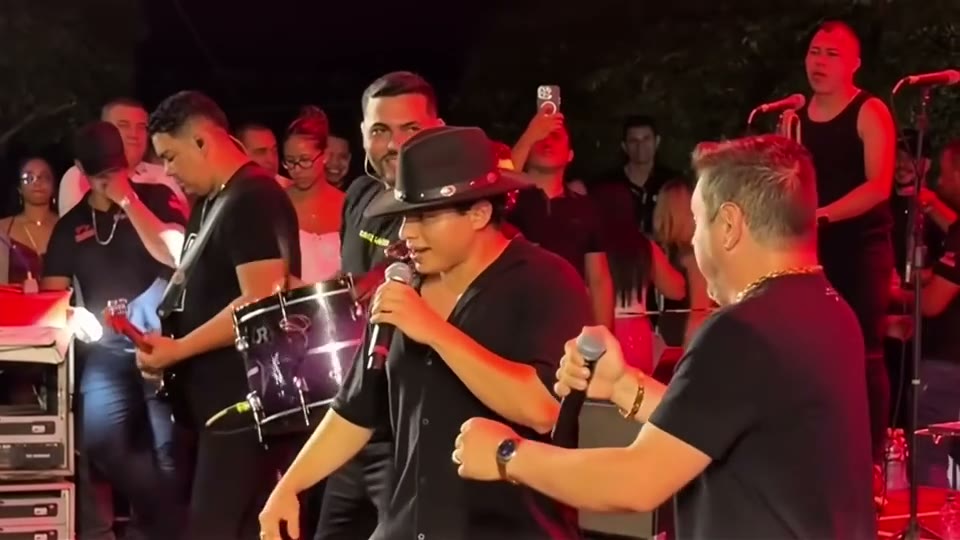
A guitar, a room full of friends and the Vai Matar Papai singalong.
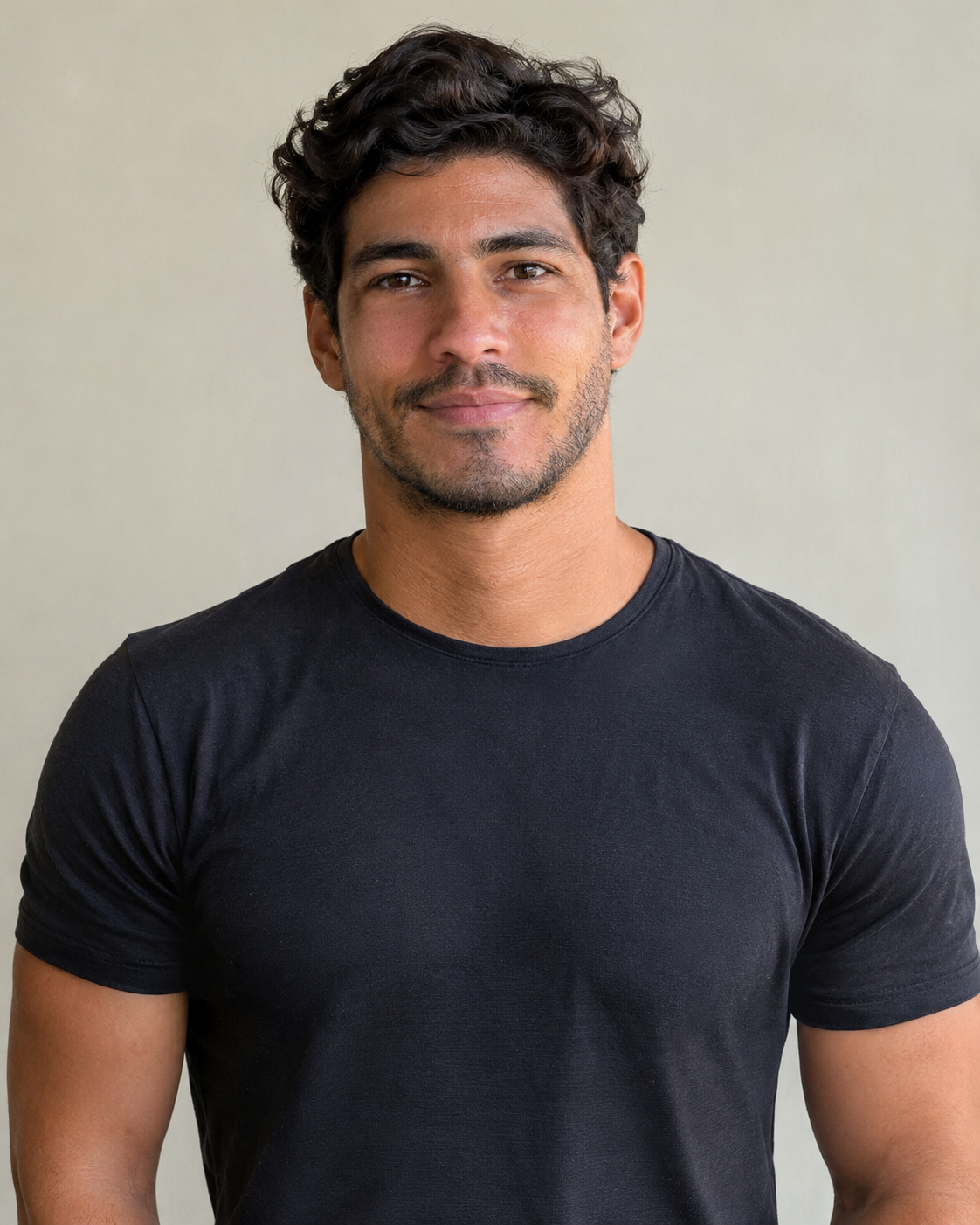
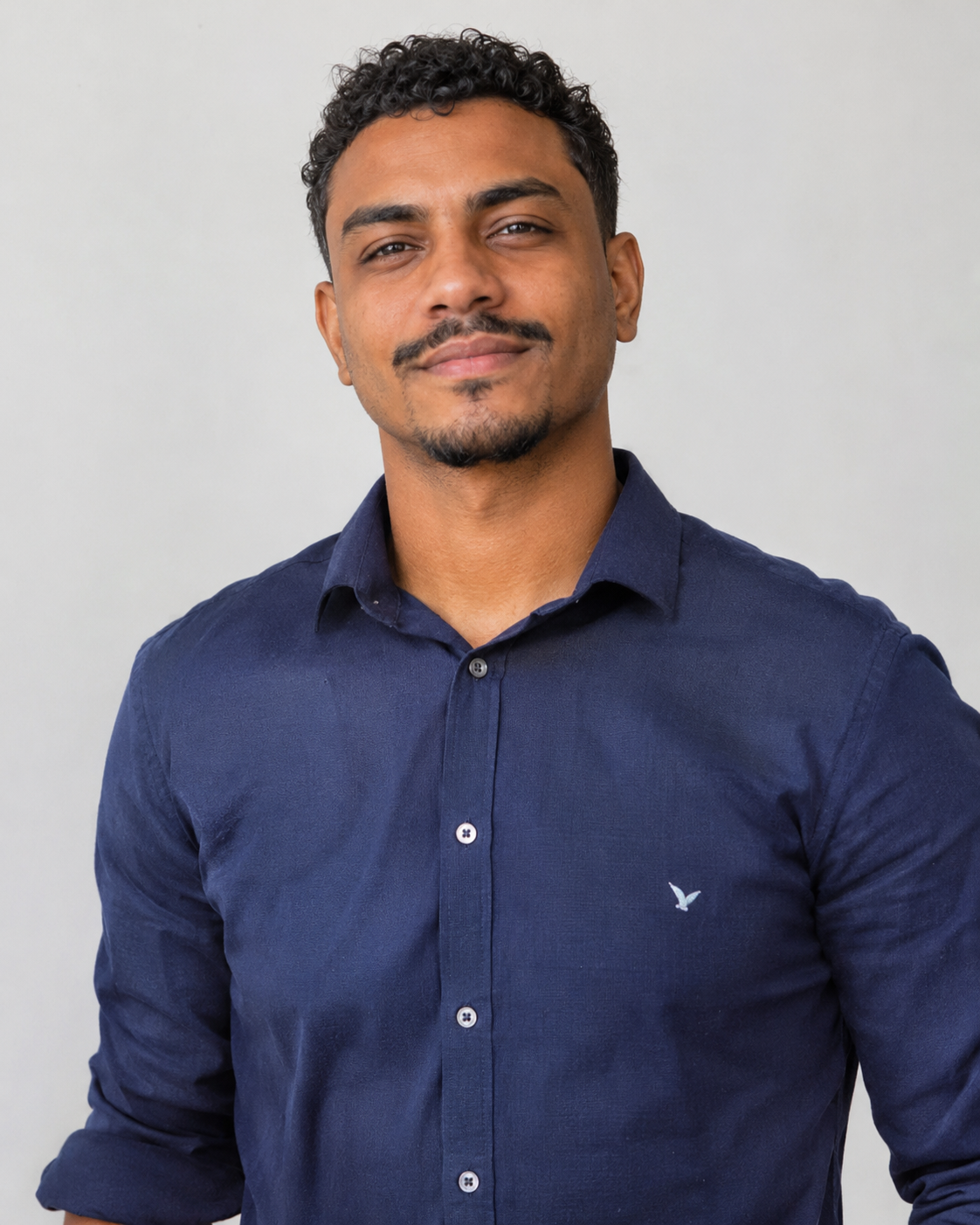
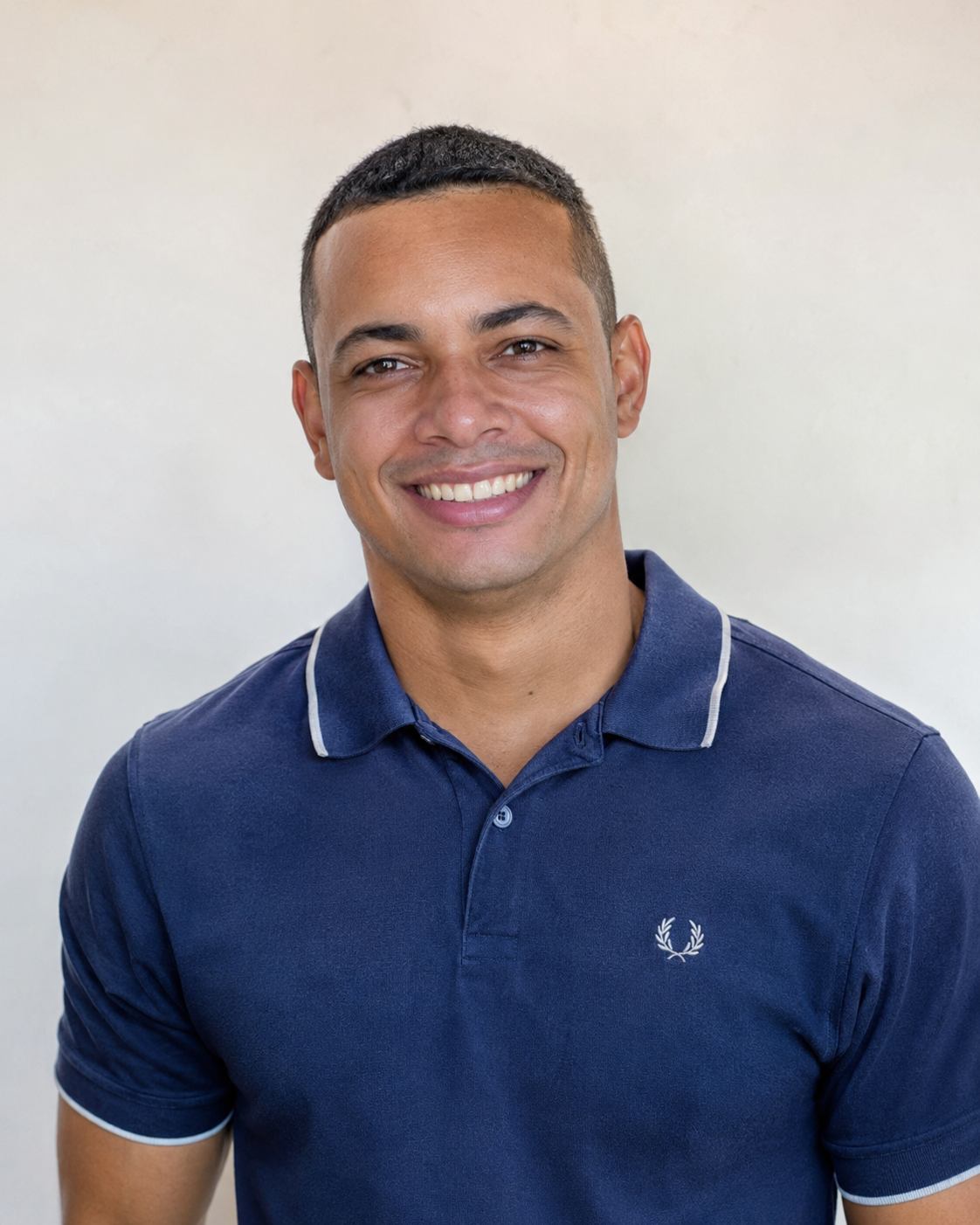
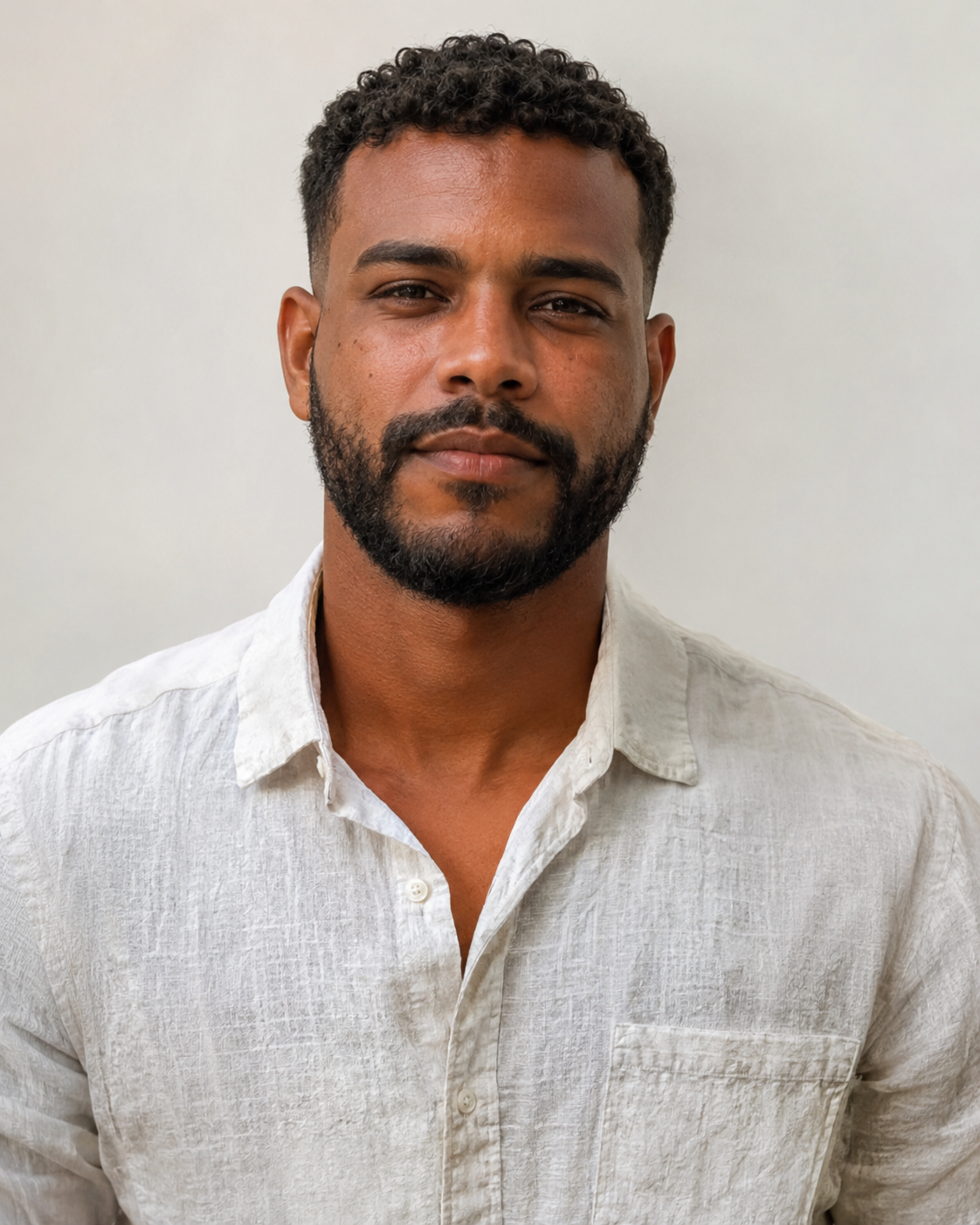
Recast all six people in the supplied guitar singalong with six separate portraits. Each photo maps to a specific person in the clip. Parts 1 and 2 use photos 1–5; photo 6 is used only in part 3, when that person enters. Three video parts are joined and the clip’s Portuguese audio is added afterwards; the voice is from the reference, not your own.
6 photos
19s
9:16
♪ Portuguese reference audio added in post
Remake · Guitar singalong
Photos in
Replace the six people in the supplied group clip with six photos.
What is the Vai Matar Papai trend?
The Brazilian piseiro associated with Diovane Severo and Igor Ferrari appears in TikTok edits, dancing videos and AI singalongs. This template follows the supplied guitar-group clip; other popular versions include a car singalong and a line dance.
Motion and audio: the video supplied for this template. The TikTok clips below are third-party trend examples. Trend example on TikTok
How the video is made
The source is about 19 seconds. Its first two short cuts stay together; three motion references guide three Seedance 2.0 tasks. The results are joined and the source audio is added in post-production. Motion and lip sync can vary between generations.
How the Vai Matar Papai AI trend went viral
November 2, 2026: An AI guitar singalong appears on TikTok. TikTok
The Vai Matar Papai AI trend, beat by beat
0–6.433s
The group crowds around the guitar; the first two quick framing changes stay in this part.
6.433–10.467s
Closer framing on the guitarist and the person behind.
10.467–19s
The group gathers around the guitarist and reacts together.
How to make the Vai Matar Papai AI trend
Six people: Six portraits replace the six people in their original roles.
Six people · Remake
How to make a Vai Matar Papai video
Choose six portraits
Upload one clear photo of a consenting adult for each labelled role.
Choose quality
480p costs 140 credits; 720p costs 200 credits.
Generate
Three parts are generated and joined. The reference audio is added afterwards unless you turn it off.
Review and share
Check the faces, cuts and lip sync, then download the vertical MP4.
Make the Vai Matar Papai AI trend yourself: what the prompt needs
Use six identity portraits and three silent motion references, then join the outputs and add the matching audio.
Map all six roles: Assign each portrait to one labelled person. Keep roles distinct and preserve entrances, exits and occlusion.
Keep the cuts: Keep the two very short opening shots together, then split at about 6.433 and 10.467 seconds.
Add the audio last: Align the supplied soundtrack at the beginning of the joined video and review the joins; timing is approximate.
Photo tips for Vai Matar Papai
Use a clear photo with the mouth visible.
Assign each photo to its labelled role; each person keeps their own identity and outfit.
In order: the guitarist on the right, the microphone holder at left/center, the standing person at rear center, the seated person in front, the partly cropped person at the left edge, and the person entering from the left rear.
Is it my voice?
+
No. With sound enabled, the supplied clip’s audio is added after generation. No voice cloning is used.
How many credits does it cost?
+
480p costs 140 credits and 720p costs 200 credits for the complete three-part video.
Is lip sync guaranteed?
+
No. The model follows a silent motion reference; check the mouth and the joins against the Portuguese soundtrack before sharing.
How much is the complete video?
+
140 site credits for 19 seconds at 480p, or 200 at 720p.
Does the example use pure text-to-video?
+
No. Our real example uses portrait and motion references. The DIY text-to-video method is separate and is not presented as identity-matched or already tested.
Does it keep my outfit?
+
Yes, the template prompt uses each uploaded photo as both the identity and wardrobe reference.
People also search for
vai matar papai ia
vai matar papai trend
vai matar papai video ia
vai matar papai prompt
vai matar papai tiktok
como fazer vai matar papai ia
How to Make the Vai Matar Papai AI Video
A guitarist, a microphone and six friends turn the Vai Matar Papai singalong into a group remake. This guide follows the Popstar-style workflow: see the original and real output, map the roles, prepare photos, then choose the template or a DIY text-to-video method. The 19-second example uses Seedance 2.0 with photos and motion references; the text-only method below is a separate way to recreate the scene.
The displayed remake joins revised parts 1 and 2 with the previous part 3, using a continuous Portuguese reference soundtrack added afterwards. Some source identities and outfits remain in part 1, and part 3 has hairstyle drift and an extra glasses artifact. Faces, clothes, motion and lip sync can vary across cuts. The example uses portraits and motion references; the text-to-video method below is separate.
The 19 seconds, beat by beat
Part
Final timeline
Cast and action
1
0–6.433 s
Photos 1–5: group, close-up, back to the guitarist.
2
6.433–10.467 s
Photos 1–5: closer framing on the guitar and rear-center friend.
3
10.467–19 s
Photos 1–6: the sixth friend enters from the left rear; the group reacts.
What you need
Six separate clear adult portraits: face large, sharp and well lit; one person per photo.
Include the clothes you want in the result. Faces, hairstyles and visible outfits come from the uploaded photos.
Choose photos of yourself or adults who agreed. The soundtrack is taken from the supplied clip, not generated from anyone’s portrait.
Method 1: the six-photo template
Assign the roles
Photo 1: right seated guitarist. 2: left/center microphone holder. 3: standing rear-center friend. 4: seated foreground friend. 5: far-left cropped friend. 6: later entrant from the left rear.
Choose quality
The complete 19-second video costs 140 site credits at 480p or 200 at 720p. These are whole-video prices, not per-part prices or Kie API credit charges.
Generate and review
The template sends five portraits to the first two parts and six to the third, uses clear silent motion references and preserves your photo outfits. The parts are fitted to the final timeline and joined with the source audio.
Open Text to Video in your chosen video tool and select Seedance 2.0, vertical 9:16 and silent generation. Use the prompts below without uploading a motion video. Fill in the same character sheet in every prompt. Pure text-to-video describes a cast; it does not reliably reproduce the exact people in six photos. Use Method 1 when portrait identity is the goal.
Write the cast once
Replace the A–F placeholders with adult appearance and outfit descriptions. Keep them identical in all three prompts.
Generate three parts
Request 7, 4 and 9 seconds. Use only A–E in parts 1 and 2; introduce F only in part 3. The times in the prompts are creative targets, not frame-accurate commands.
Edit to 19 seconds
Fit the outputs to 6.433, 4.033 and 8.533 seconds in your editor. Review transitions before adding audio.
Text-to-video prompt 1
Create a realistic vertical handheld recording in a small music studio with dark acoustic wall panels, a framed blue painting, a cream electric guitar and black chairs. Use the same adult cast and outfits in every part. Character sheet: A = [guitarist appearance and outfit]; B = [microphone holder appearance and outfit]; C = [rear-center participant appearance and outfit]; D = [foreground seated participant appearance and outfit]; E = [far-left participant appearance and outfit]; F = [later entrant appearance and outfit]. A sits on the right playing guitar, B holds a microphone at left/center, C stands behind A and B, D sits closest to the camera, E is partly cropped at the far left. Keep realistic hands and guitar contact. Distinguish Brazilian Portuguese conversation, singing and closed-mouth listening; avoid continuous group singing. No subtitles or watermarks. Generate silent video for post-production audio.
Part 1, five people A-E only. Begin with a medium-wide group, B holding the microphone and gesturing while A plays and pauses naturally. Around 1.2 seconds cut closer to B, E and foreground D. Around 2.8 seconds return to the group; B keeps holding the microphone in place and the others smile. No microphone offering, passing, receiving or handover occurs in this part. Do not introduce F.
Text-to-video prompt 2
Create a realistic vertical handheld recording in a small music studio with dark acoustic wall panels, a framed blue painting, a cream electric guitar and black chairs. Use the same adult cast and outfits in every part. Character sheet: A = [guitarist appearance and outfit]; B = [microphone holder appearance and outfit]; C = [rear-center participant appearance and outfit]; D = [foreground seated participant appearance and outfit]; E = [far-left participant appearance and outfit]; F = [later entrant appearance and outfit]. A sits on the right playing guitar, B holds a microphone at left/center, C stands behind A and B, D sits closest to the camera, E is partly cropped at the far left. Keep realistic hands and guitar contact. Distinguish Brazilian Portuguese conversation, singing and closed-mouth listening; avoid continuous group singing. No subtitles or watermarks. Generate silent video for post-production audio.
Part 2, five people A-E only. One closer shot: A holds the guitar and speaks conversationally at right, with short natural mouth movements and pauses rather than sustained singing. C listens, smiles and leans in from behind. B keeps holding the microphone in place at left; no microphone offering, passing, receiving or handover occurs. A keeps natural contact with the guitar. D is partially visible at the bottom, E mostly cropped. Keep the same faces and outfits as part 1. Do not introduce F.
Text-to-video prompt 3
Create a realistic vertical handheld recording in a small music studio with dark acoustic wall panels, a framed blue painting, a cream electric guitar and black chairs. Use the same adult cast and outfits in every part. Character sheet: A = [guitarist appearance and outfit]; B = [microphone holder appearance and outfit]; C = [rear-center participant appearance and outfit]; D = [foreground seated participant appearance and outfit]; E = [far-left participant appearance and outfit]; F = [later entrant appearance and outfit]. A sits on the right playing guitar, B holds a microphone at left/center, C stands behind A and B, D sits closest to the camera, E is partly cropped at the far left. Keep realistic hands and guitar contact. Distinguish Brazilian Portuguese conversation, singing and closed-mouth listening; avoid continuous group singing. No subtitles or watermarks. Generate silent video for post-production audio.
Part 3, six people A-F. One wider shot. Begin with A-E, then F enters from the left rear behind B around the first second and joins the group. Only in this part, include a microphone offering during the interaction; do not add repeated exchanges. Keep C at rear center and distinguish C from F. A keeps playing; the friends laugh, gesture and raise their hands. D remains seated in front. End on the group reaction.
Add the Portuguese audio last
Join the three silent parts and align the matching 19-second audio from the supplied clip at the start. Keep that audio continuous across the joins. Small speed or cut adjustments may help, but do not assume perfect Portuguese lip sync. Use an audio track you have permission to share.
Common mistakes and fixes
Original people or clothes remain: state that both the performer and outfit must come from the assigned photo; check each role before continuing.
The sixth friend appears early: exclude photo 6 from the first two tasks and describe the entrance only in part 3.
The rear and foreground faces drift: use sharp portraits with a large face and inspect turns and close-ups.
Clothes reset at a cut: repeat the same cast and outfit assignments across parts.
Text-only generations do not look like your friends: descriptions are not identity references; use the six-photo template for that goal.
Other versions of the trend
TikTok examples include music edits, dances and AI singalongs. These third-party clips are inspiration, not outputs made by this site.