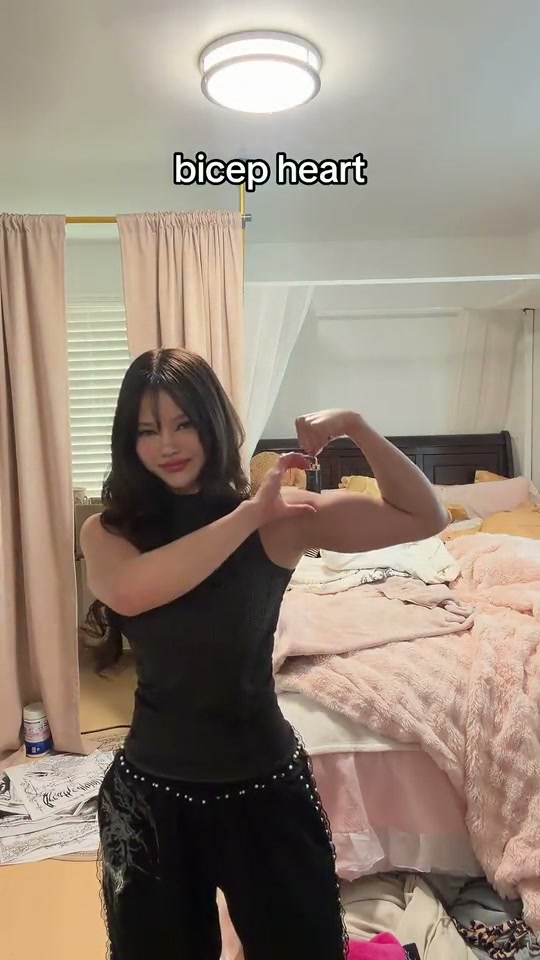
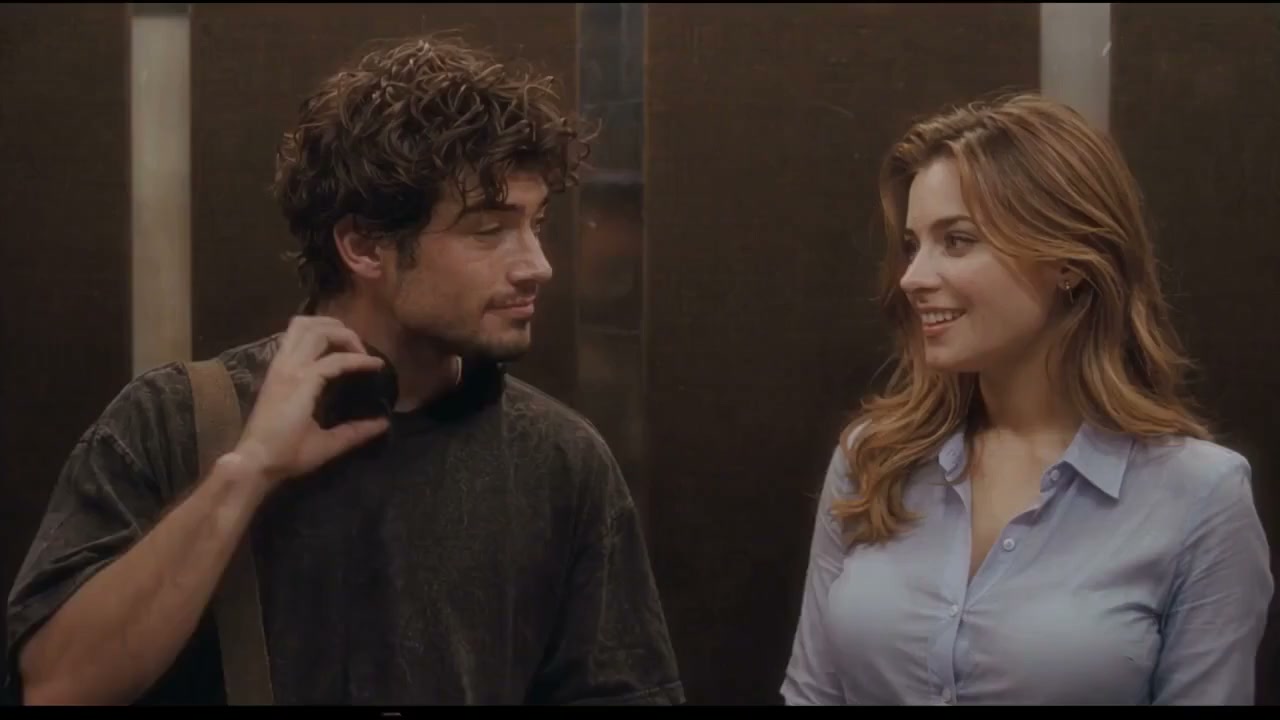
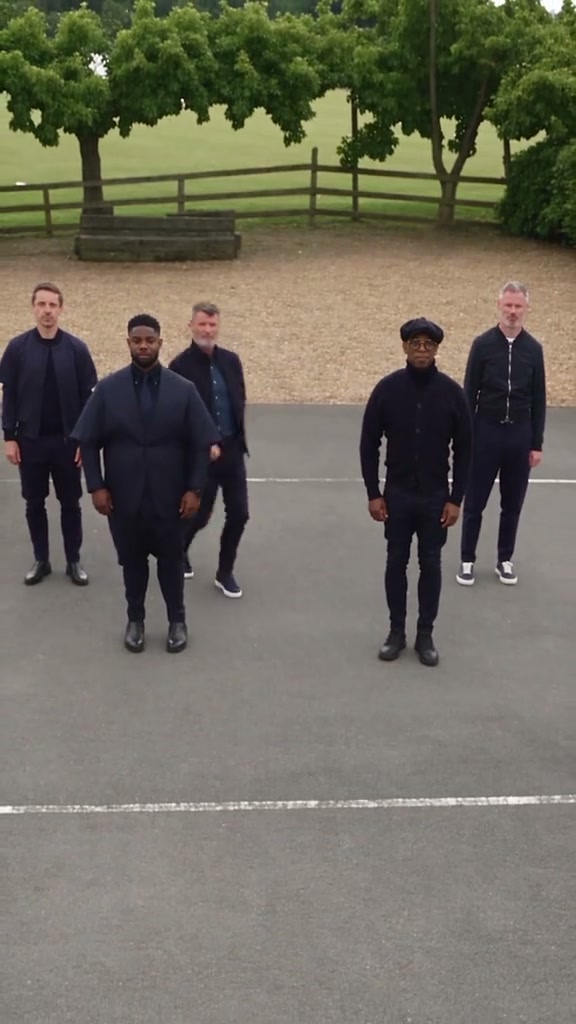
What is the JISOO Addicted AI trend?
The trend reimagines a hallway duet danced to JISOO’s ADDICTED with two people from uploaded photos. The original clip shows the dancers taking turns near the camera, leaning together, swapping sides and finishing with hand movements. ROSÉ’s hallway duet was posted on TikTok in late October 2026; photo-based AI remakes followed in early November.
How the video is made
Seedance 2.0 Fast generates the vertical video using the reference motion. The reference clip's audio is added after generation. Movement, timing and likeness can vary between results.
How the JISOO Addicted Dance AI trend went viral
- October 31, 2026: ROSÉ posts the hallway duet with JISOO on TikTok. ROSÉ on TikTok
- November 2, 2026: Photo-based AI remakes of the hallway dance are circulating online. Explore the dance on TikTok
The JISOO Addicted Dance AI trend, beat by beat
- 0–2s
A dancer poses at the back of the cream hallway while the other moves past the camera.
- 2–5s
The dancers take turns near the lens, bouncing and raising their arms.
- 5–6s
A turn close to the lens leads into a two-person shot.
- 6–9s
One dancer leans on the other’s shoulder as they face the camera.
- 9–12s
They swap positions and gesture near their hair and faces.
- 12–15s
Both face the camera and finish with hand gestures.
How to make the JISOO Addicted Dance AI trend
How to make a JISOO Addicted Dance video
Add two photos
Upload one clear photo for each dancer.
Choose quality
Select 480p or 720p.
Create your duet
Generate the video with the dance reference and added audio.
JISOO Addicted Dance guides
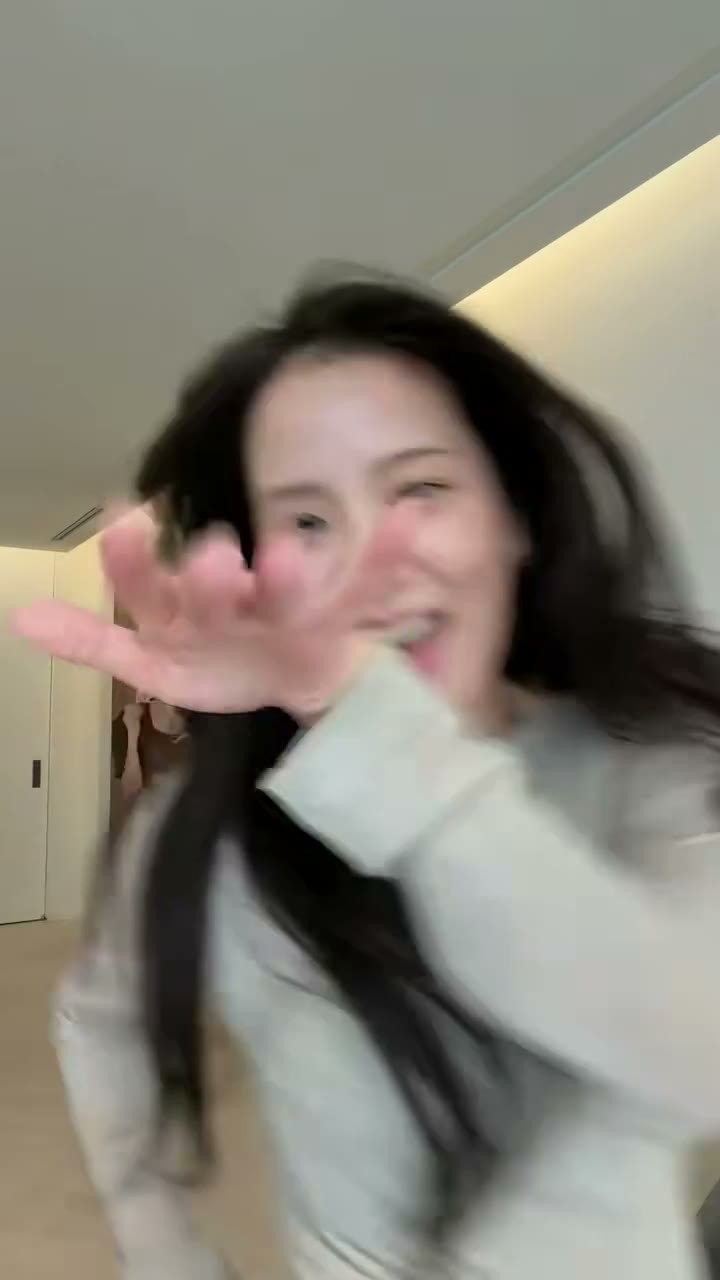
How to Make the JISOO Addicted AI Video
Make a 15-second hallway dance duet with two photos, a motion reference and sound. Includes photo tips, prices and the dance breakdown.
Photo tips for JISOO Addicted Dance
- Use one clear, front-facing photo per dancer.
- Show each person's face, hair and shoulders in even light.
- Avoid sunglasses, heavy filters and tight crops.
Who to cast
- Create a duet with a friend, partner or family member who agrees to appear.