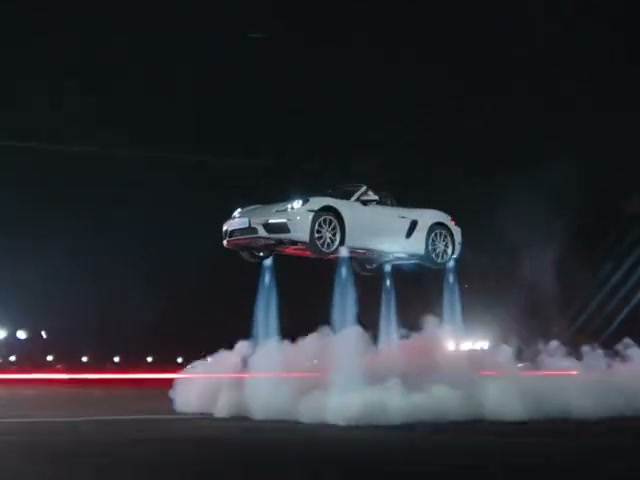
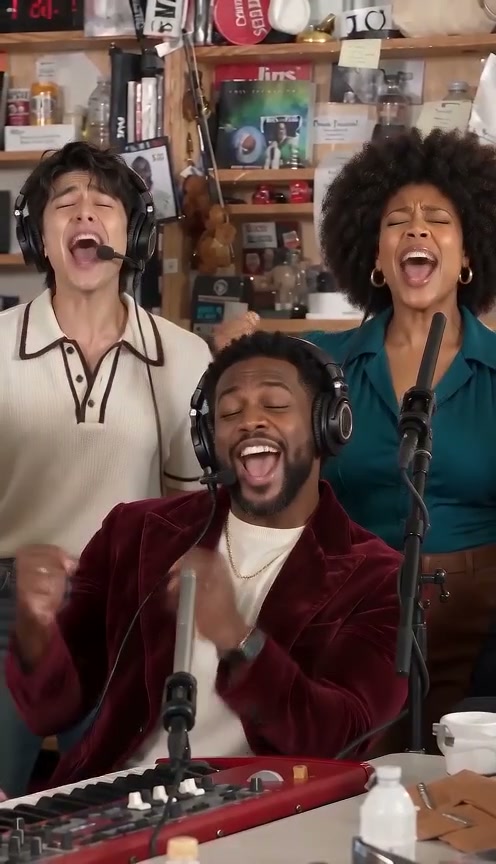
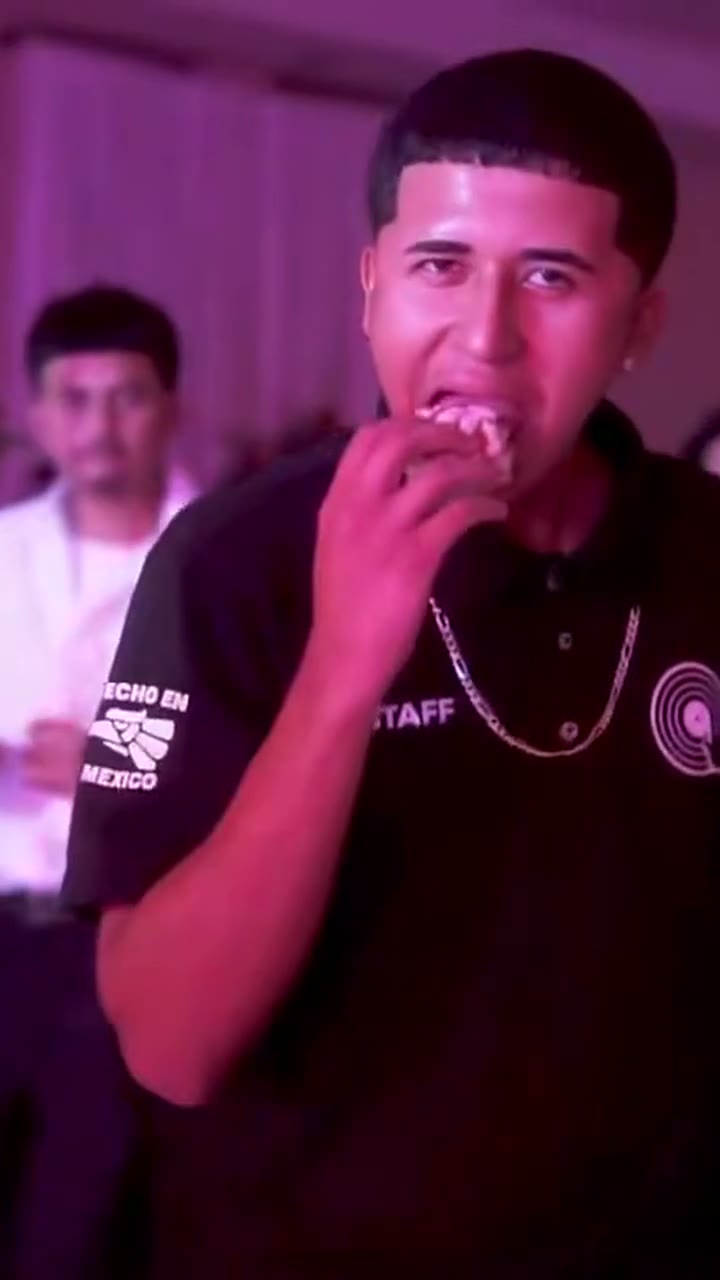
Choose a dance, add a photo and create your own playful baby dance video. Each option uses a third-party reference clip to guide the movement and framing.
Explore twelve different motion references, from a glitter stage and strawberry costume to a playground and a poolside groove. The preview is a third-party reference, not a generated result from this site.
How the reference works
The selected clip guides the model's movement and camera framing while your photo provides the subject's identity. AI results can vary, and timing, hands and details may change.
AI Baby Dance 场景
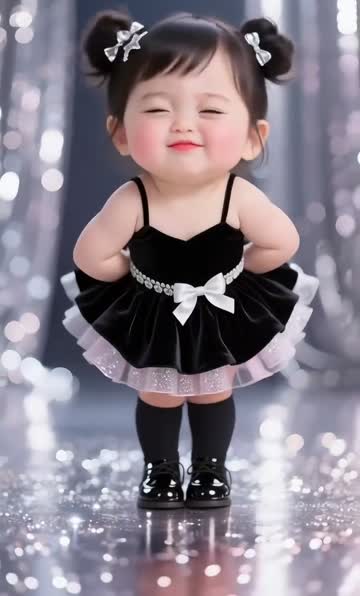
The Original AI Baby Dance
Black dress and boots on a sparkling stage; hands on hips and small waves.
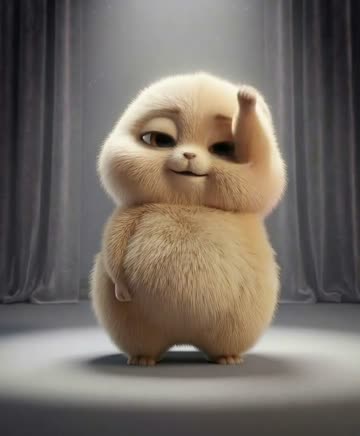
Baby Boo Dance
A furry animal character bounces and turns under a spotlight.
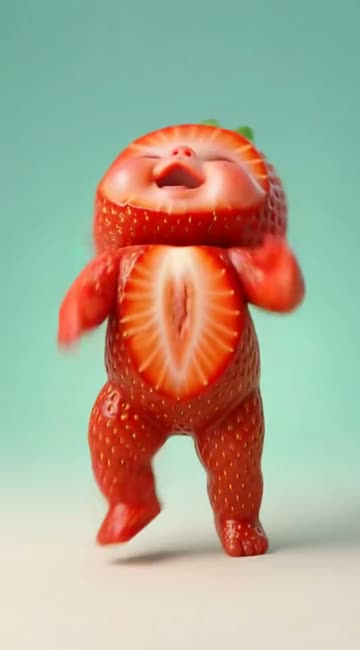
Strawberry Fruit Baby
Strawberry costume in a mint studio, bouncing with lifted arms.
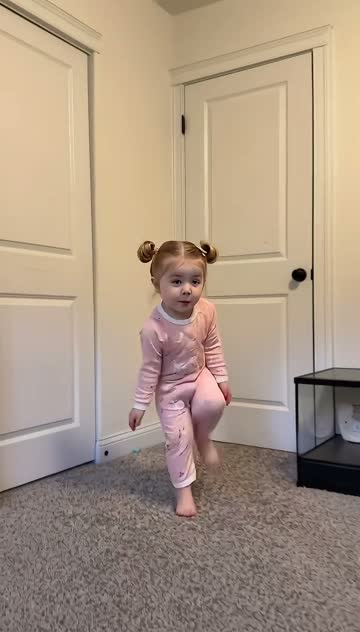
Toc Toc Baby
Pink outfit in a bright room, stepping and gesturing.
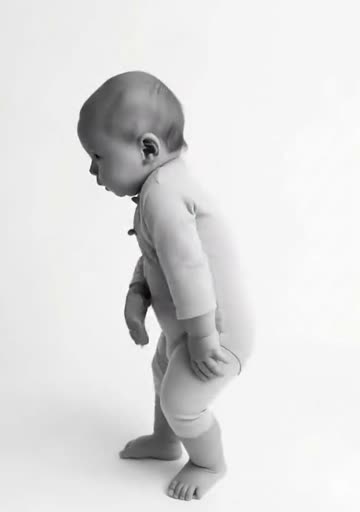
Tiki Tiki Baby
Black-and-white studio, swaying and stepping in place.
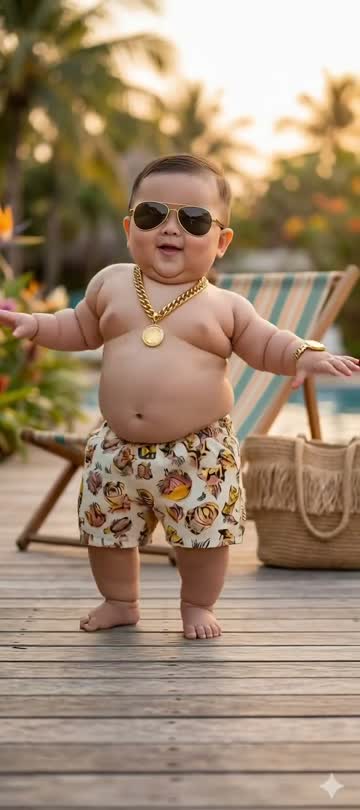
Cool Baby (Sunglasses)
Sunglasses and patterned shorts on a pool deck, hands moving near the face.
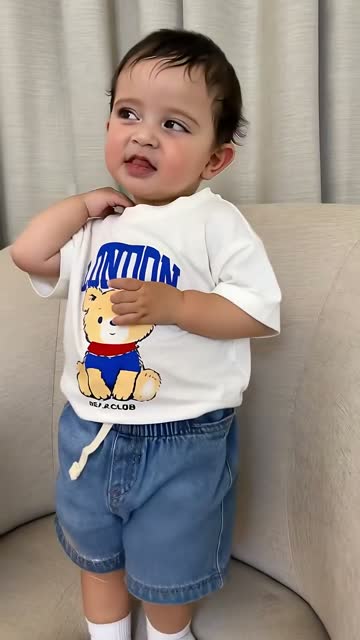
That's the Jawn Baby
White shirt and blue shorts on a sofa, small shoulder and hand movements.
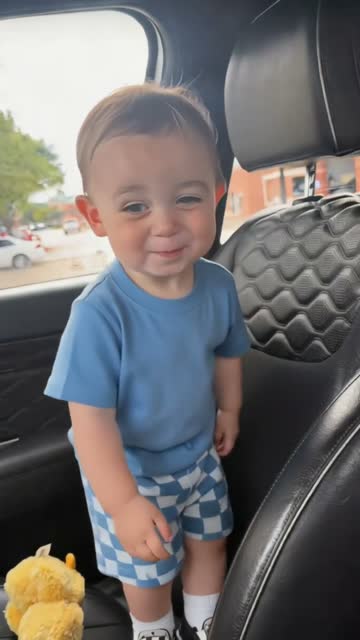
Thank You Baby
Blue shirt in a car seat, head tilts and shy smiles.
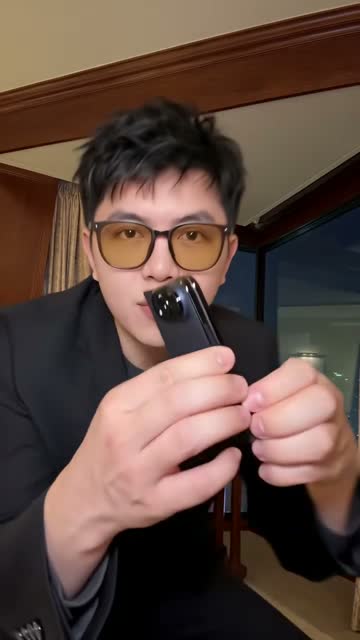
iPhone Kupi Baby Dance
An adult holds up a phone and dances in a room.
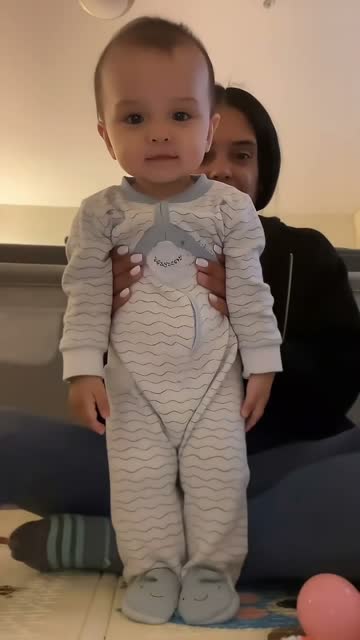
Held Up Baby Dance
An adult supports a baby standing indoors as the baby moves.
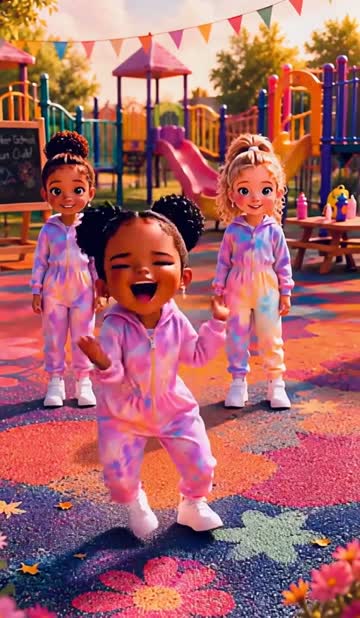
Playground Baby Dance
Two stylized children dance in a colorful playground.
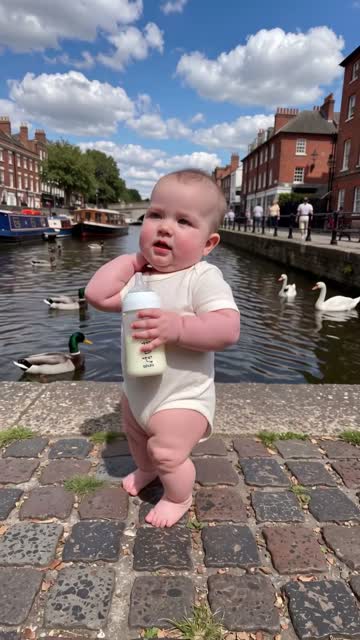
Bottle Bop Baby Dance
A baby moves with a bottle on a street beside the water.
如何制作 AI Baby Dance AI 视频
1
Choose a dancePreview one of the 12 reference videos.
2
Add a photoUpload a clear photo you have permission to use.
3
GenerateChoose a quality and create your video.
AI Baby Dance 常见问题
What photo should I upload?
+
Use a clear, well-lit photo of yourself or a child you are authorized to represent. A front-facing face is helpful.
Will the output exactly match the reference?
+
No. The reference guides motion and framing; the model may interpret the scene and movements differently.
Does the output use the reference audio?
+
Yes. The selected clip's original audio is added to the finished video. If the audio is shorter than the output, the remainder is silent.