365 電梯 AI 影片製作教程
先決定誰在電梯裡等、誰走進來。兩張照片的上傳順序決定人物在畫面裡的位置。
用兩張照片生成雙人短片
上傳等候者的照片
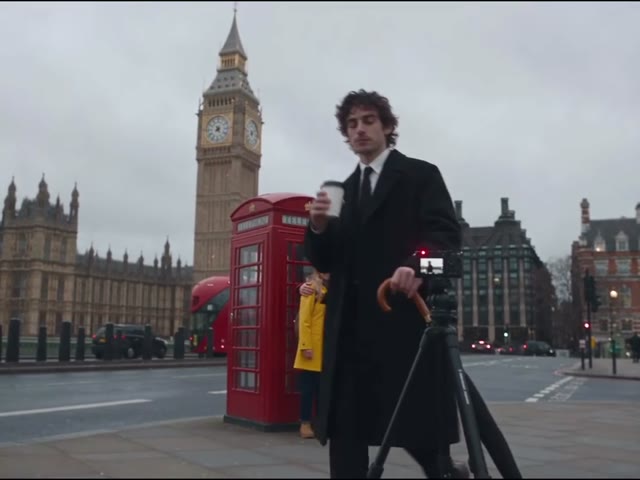
照片 1 的人物一開場就在電梯裡,站畫面右側。
上傳入場者的照片
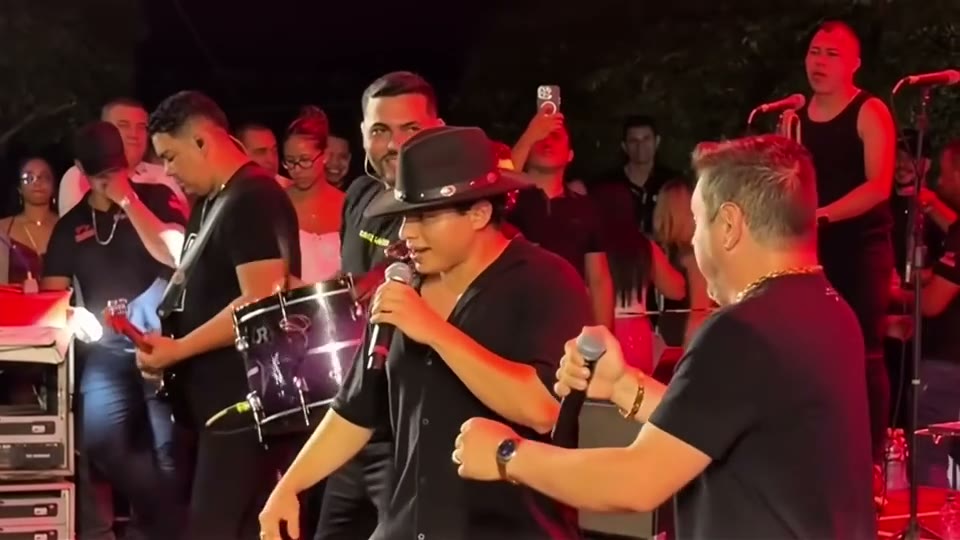
照片 2 的人物背對鏡頭走進電梯,轉身後站畫面左側。
生成並下載
選擇 480p 或 720p,決定是否加配樂。生成後儲存 14 秒 MP4。
Seedance 2.0 引數和提示詞
在參考生影片模式中,把等候者作為參考圖 1、入場者作為參考圖 2,再加入靜音動作參考。設定 14 秒、4:3,選擇 480p 或 720p。關閉模型生成音訊,渲染後從影片開頭疊加對應的配樂片段。
365 電梯 · 兩張參考圖和一條動作參考
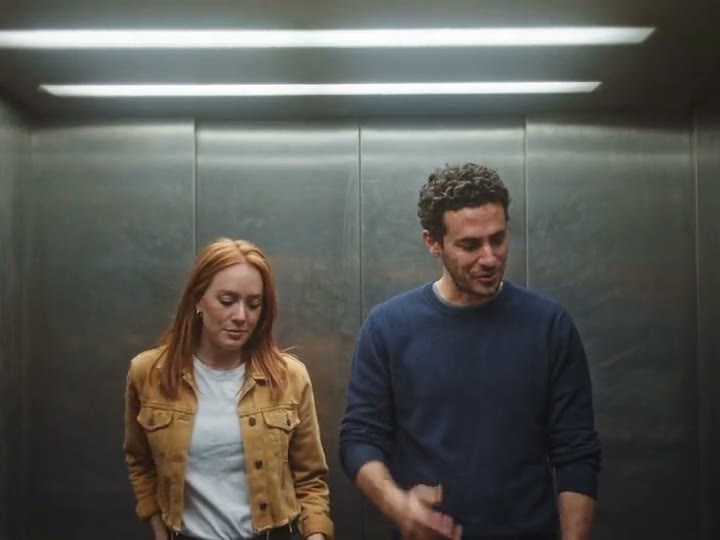
Create a 14-second 4:3 photorealistic video in one continuous locked-off shot. Follow the silent reference video's blocking, framing and timing. Keep the camera at the elevator threshold, facing the brushed-steel back wall and two cool white ceiling strips. Show both people from about waist level up after the entrance. No cuts, zooms or camera movement.

The adult in reference image 1 is already inside on camera-right. The adult in reference image 2 enters from the foreground with their back to the lens, moves to camera-left, and turns forward. Maintain each adult's own face, hairstyle, build, skin tone and visible clothing throughout, including through the turn. Use the motion clip only for the room, camera and choreography. Do not carry over its cast's faces, outfits, jewelry or accessories. Keep the two identities distinct.

0–1s — Open on one person waiting on the right in a brushed-steel elevator under two strip lights.

1–2.5s — The second person crosses the foreground with their back to the camera, then takes the spot on the left.

2.5–4.5s — The entrant turns forward, touches near their ear and glances down at the phone in their hand.

4.5–8s — Both stay in frame. The entrant lowers the phone while the waiting person makes a small gesture near their face.

8–14s — Hold the two-shot as the pair trade brief glances. The person on the right makes a few small hand gestures before both face forward.

Keep the facial movements subtle and the hand gestures compact. Preserve both faces in frame during the closing hold. Exactly two people, one phone with an unreadable screen, natural hands, no text, no logos and no watermarks. Render picture only.釋出到 TikTok
保留 4:3 構圖,讓兩個人和頂部燈帶都入鏡。如果要在 TikTok 裡選歌,先匯出無配樂版本,再新增 Sampagne 的《365》。釋出寫實 AI 影片時,在更多選項裡開啟 TikTok 的 AI 生成內容標籤。
閱讀趨勢與鏡頭拆解,對照各段動作。