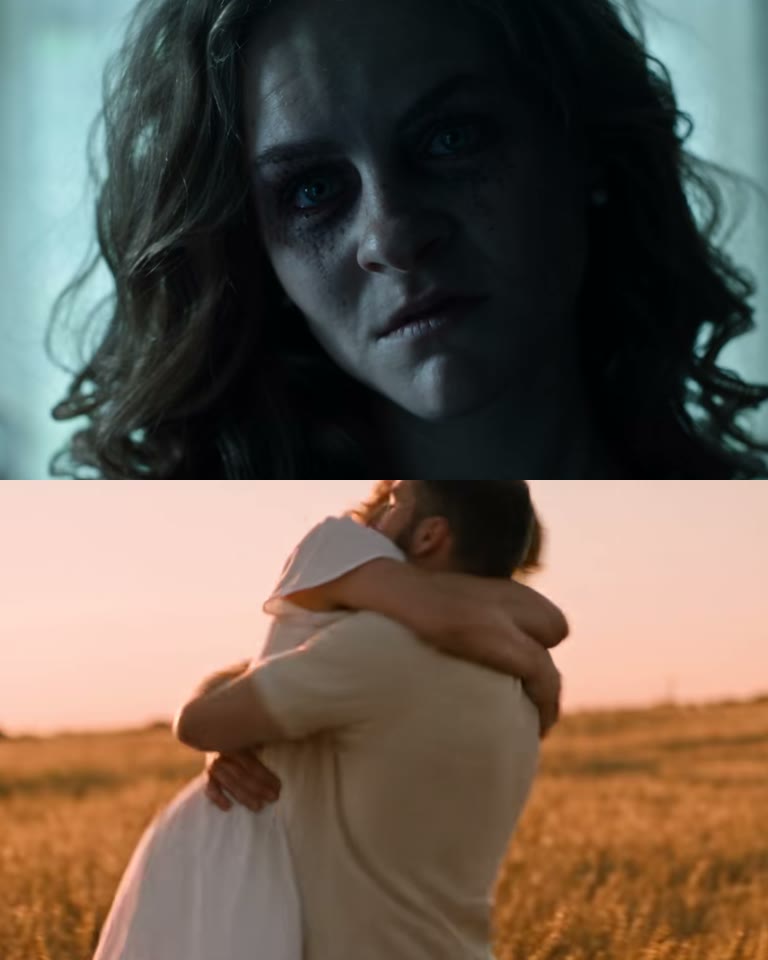
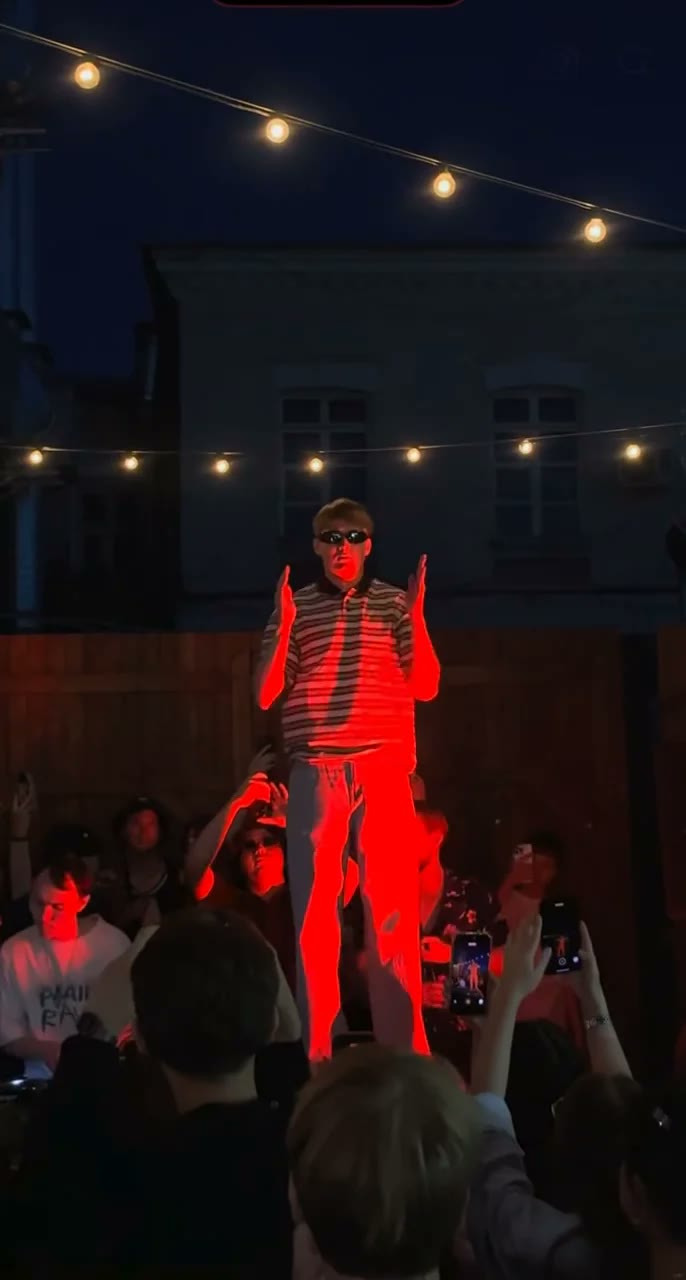
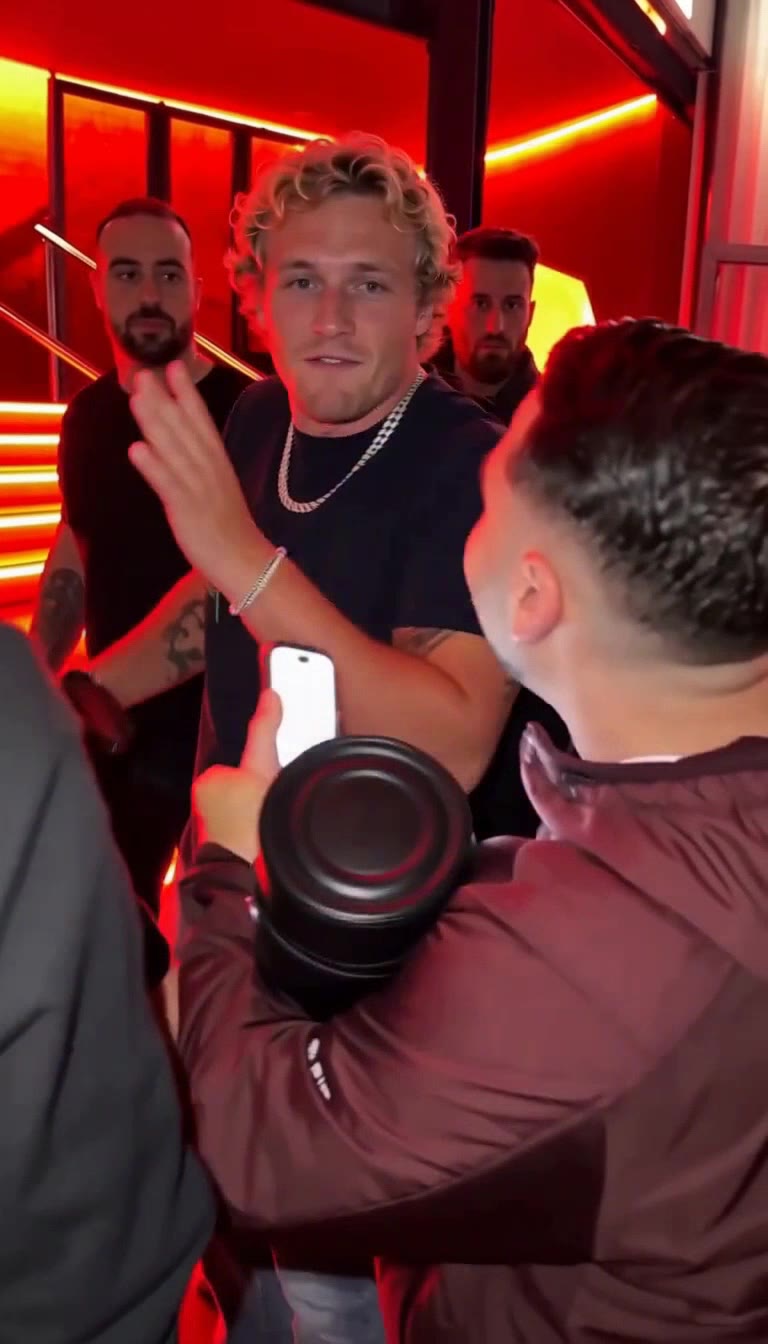
How to Make the Burning Bridges AI Trend
The Burning Bridges AI trend puts you, a friend or a character at the head of Drake's chandelier dinner table, glass up, hand over the eyes: "where she at?". This guide covers what the trend is, what you need, the one-photo way, the do-it-yourself way with general AI video tools, how to get the sound right, and the mistakes that make most remakes look off.
What the Burning Bridges AI trend is
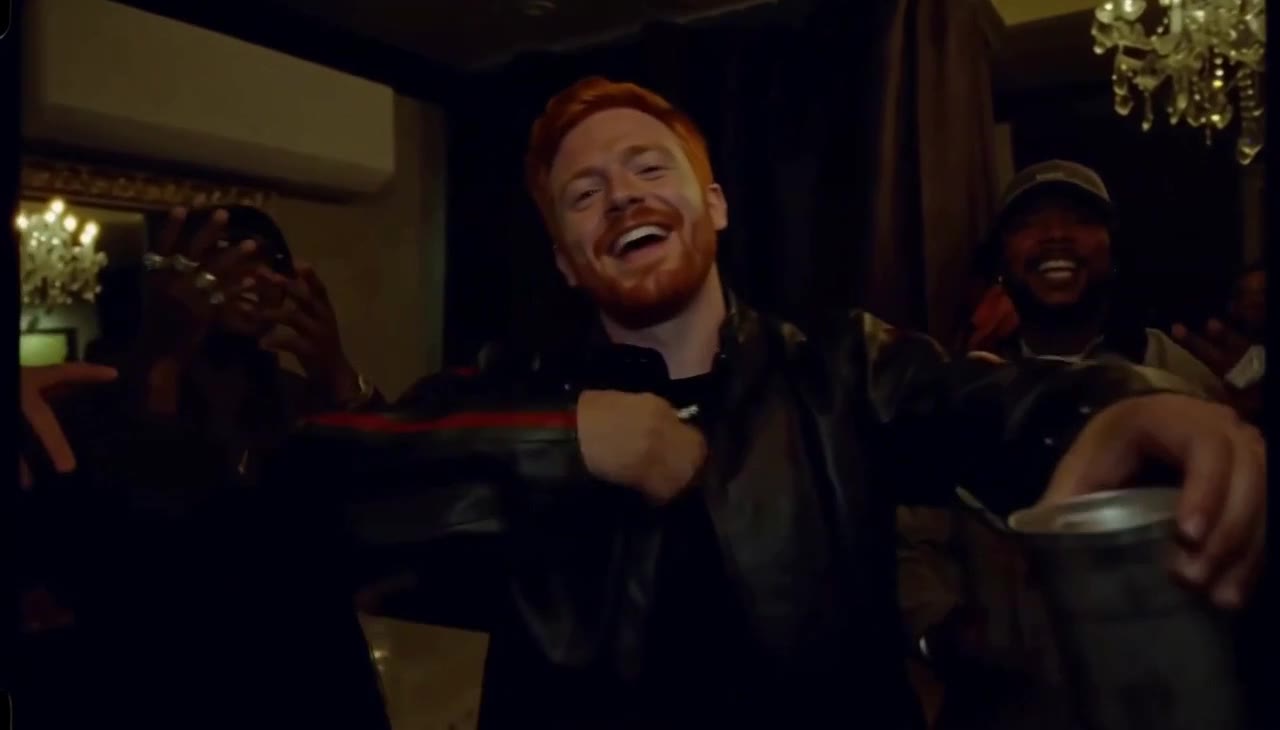
It comes from the dinner scene in the music video for Drake's "Burning Bridges", released on 15 May 2026: a long table under crystal chandeliers, a crowd of friends raising silver cups, and Drake shading his eyes with one hand and scanning the room. On 5 October 2026 @alex.kuri posted the original and an AI version side by side with the caption "damn, where she at?". Within days The Office, Shrek, the Golden Girls and plenty of ordinary people had taken the seat.
The format never changes: keep the room, the camera and the hand-over-the-eyes look, and change who stands at the head of the table. That is why one photo is enough.
The 14 seconds, beat by beat
Before you make one, know what you are copying. Every convincing remake hits these beats:
| Time | What happens | Why it matters |
|---|---|---|
| 0–1.5 s | Medium shot at the head of the table, cup at chest height | Shows who replaced Drake |
| 1.5–5 s | Sway, gesture, two fingers pointed at the lens | Gives the face time on screen |
| 5.5–9.5 s | Dap-ups with the friends, then everyone toasts | Sells the party |
| 9.5–10.5 s | An open hand flicked at the lens | The transition into the payoff |
| 10.5–14 s | Hand flat over the eyes, scanning the room | The "where she at?" moment people share |
The payoff is the last three to four seconds. If your version ends before the hand goes up, it will not read as the trend.
What you need
- One photo of the person who takes the seat: front-facing, good light, nothing covering the face. The hand goes over the eyes at the end, so the rest of the face carries the likeness.
- An AI video tool that turns a photo into a video: our Burning Bridges template, or a general image-to-video model such as Seedance, Kling or Veo.
- The trend sound: added by our template, or added in TikTok or CapCut if you make the video yourself.
- About five minutes with the template, or an evening of trial and error doing it yourself.
Method 1: the one-photo way (about 5 minutes)
Open the template
Go to the Burning Bridges AI generator. The room, the crowd, the camera and the timing are already set up.
Upload your photo
One person, face clearly visible. No photo handy? Pick one of the sample people to see a result first.
Pick the mode
Just you keeps the original crowd. Theme party keeps you at the head of the table and turns every guest into a theme: Horror night, Zombie party, Anime fighters, 1920s gangsters, Wild West or Medieval court.
Keep or drop the sound
The trend sound plays under the video by default. Pick No song if you want to add the official sound inside TikTok, so your post is grouped with the trend.
Generate and download
Choose 480p, 720p or 1080p. You get a 14-second 16:9 MP4 in a few minutes, and failed videos are refunded automatically.
Make the Burning Bridges video with one photo
14-second 16:9 video with the trend sound, from 45 credits. No prompt needed.
Open the Burning Bridges generatorMethod 2: make it yourself with an AI video model
If you want full control, you can rebuild the scene with a general image-to-video model. Expect several attempts: the first results usually get the room wrong, lose the face or skip the ending.
Choose a model that takes a reference photo
Seedance 2.0, Kling and Veo all accept a photo of a person and keep the face reasonably well. Pick 16:9 and the longest duration available, ideally 10 to 15 seconds.
Collect reference stills
Grab three or four frames from the original scene: the opening shot, the toast and the hand over the eyes. Models that accept several reference images copy the room and the light much more closely when they can see them.
Write the prompt in parts
Describe the room, who stands where, the crowd, the actions in time slots, and the camera. Cover the chandelier room, the head of the table, the crowd behind you, and the hand-over-the-eyes ending.
Test at low resolution first
Try at 480p or the cheapest setting until the room, the face and the ending are right, then render the final version in higher quality.
Add the sound
Most models cannot use the original song. Generate with party sound or none, then lay the trend audio in CapCut, or pick the official sound when you post on TikTok.
| One-photo template | Do it yourself | |
|---|---|---|
| Time | About 5 minutes | 1–3 hours of retries |
| Prompt writing | None, built in | Yes, with several rewrites |
| Room and timing | Matched to the clip | Depends on your prompt |
| Sound | Added for you | Added in an editor |
| Control | Mode and theme | Everything |
Getting the sound right
The song is half of the trend. On TikTok, the safest way to join is to use the official sound inside the app: posts with the same sound are grouped together, which helps people find yours. Our template can lay the trend sound for you, which is handy for Reels, Shorts and X, where you cannot pick a TikTok sound.
Line up the audio so the hand goes over the eyes on the line everyone knows. Moving the audio by a few frames in CapCut is often what makes a remake feel right.
Common mistakes and how to fix them
- The face changes halfway through. Use a sharper, front-facing photo without sunglasses, hats or heavy filters. In your own prompt, say that the face stays exactly as in the photo.
- It looks like a generic party. The room is missing. Describe the chandeliers, the dim amber light and the long table, or give the model reference stills.
- No hand over the eyes. The ending was not pinned to a time. Put it in the last three to four seconds explicitly.
- The crowd melts. Ask for about a dozen people with a few distinct details instead of "a crowd", and keep them behind the main character.
- Cropped to vertical. The scene is 16:9. Post it as 16:9 and let TikTok add bars above and below, the way the original trend clips were posted.
Label your video as AI-generated where TikTok, Instagram or YouTube ask. It is required on most platforms and does not hurt reach.
Burning Bridges AI examples for ideas
Some of the most played versions of the trend. TV characters, Halloween crews and friend groups all work; the format stays the same.
Michael Scott at the Dundies afterparty is undefeated
damn, where she at?
"One thing about Santa Carla I never could stomach..."
Gathering all the Halloween homies before things get real.
Where she at?
Make the Burning Bridges video with one photo
14-second 16:9 video with the trend sound, from 45 credits. No prompt needed.
Open the Burning Bridges generatorFAQ
How long does it take to make the Burning Bridges AI trend?
With the template, about five minutes, most of it waiting for the video. Doing it yourself with a general AI video model usually takes several attempts and an hour or more.
Do I need to write a prompt?
Not with the template; a tested prompt is built in. With a general model you do: describe the room, the person at the head of the table, the crowd, and the actions in time slots.
Can I put my friends in the crowd?
The template replaces the person at the head of the table. Theme party restyles the whole crowd, for example as zombies or 1920s gangsters; placing individual friends in the crowd is not supported yet.
Can I make it vertical for TikTok?
The trend is 16:9, like the music video. TikTok shows it with bars above and below, which is how most posts in the trend look.
How much does it cost?
A 14-second video costs credits depending on the quality you pick; the prices are shown on the template page. Failed videos are refunded automatically.