How to Make a 58th Floor AI Studio Duet Video
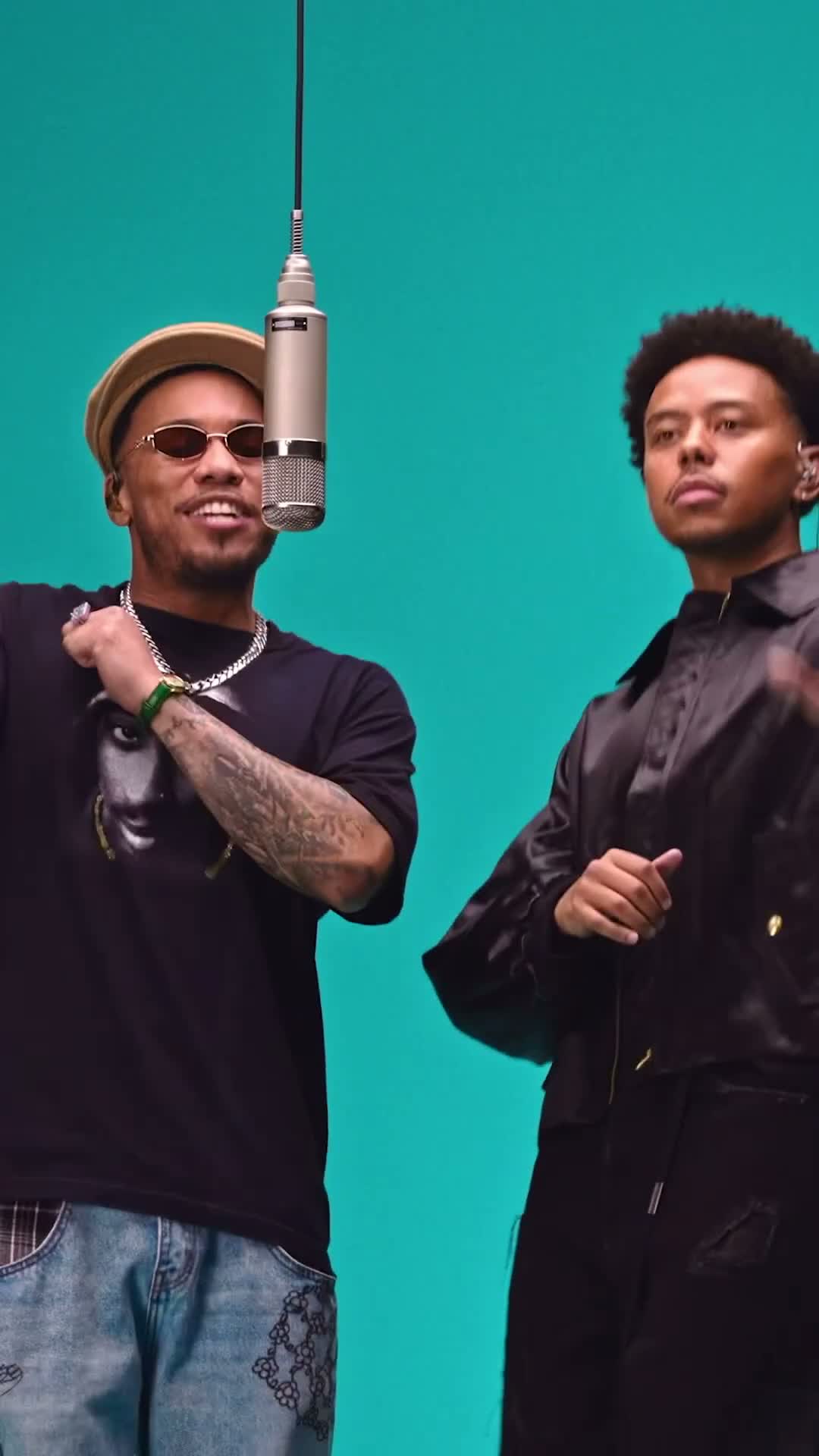
Turn two portraits into a studio singing duet. One hanging mic, a solid teal backdrop, and your opening hook leading into the next verse.
What is the 58th Floor AI studio duet?
Two performers share an overhead hanging microphone against a clean teal studio background. The left performer opens with the hook, followed by the right performer stepping up for the next verse. Our generator uses a silent motion reference to drive the choreography and camera, then merges the studio soundtrack in post-production.
Make your studio duet
Open the generator
Visit the 58th Floor AI Studio Duet generator and pick a scene variant.
Add portraits
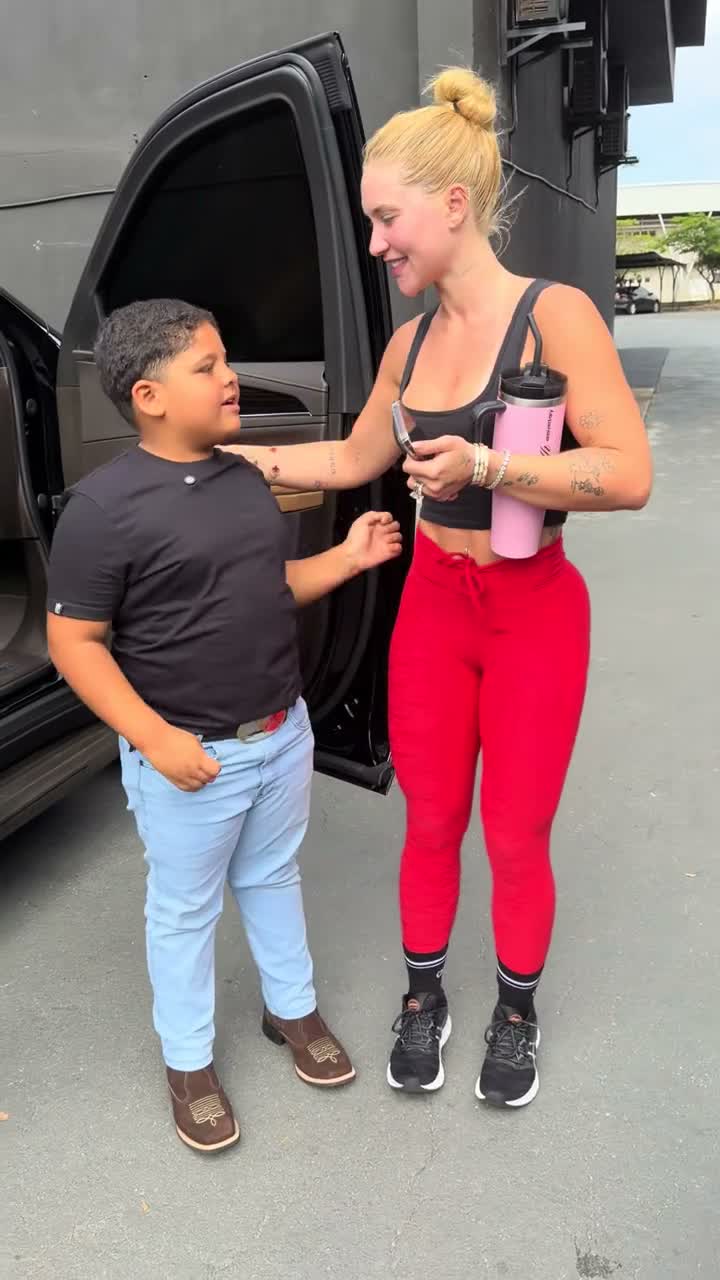
Upload photo 1 for the left performer (opening hook) and photo 2 for the right performer (next verse). If you only upload one photo, AI casts an imagined duet partner.
Select quality and credits
Choose 480p for 100 credits or 720p for 140 credits.
Generate and review
The engine generates the video from the silent motion reference and merges the audio soundtrack in post-production. Preview the result before downloading.
Créez la vidéo 58th Floor AI avec 2 photos
Vidéo de 15 secondes au format 9:16, avec son propre audio, à partir de 100 crédits. Aucun prompt requis.
Ouvrir le générateur 58th Floor AIPerformance timing breakdown
| Time | Stage Action |
|---|---|
| 0–4 seconds | The left performer sings the opening hook into the center hanging microphone. |
| 4–8 seconds | The right performer steps in and delivers the second verse. |
| 8–12 seconds | Both performers harmonize around the hanging mic. |
| 12–15 seconds | Closing notes and final glances toward the camera. |
Review your finished duet
Watch the examples on the effect page for ideas. After generation, check both identities, hand movements and the switch between performers. The soundtrack is added after the video is generated, so lip movements may not match every word.
Use photos you have permission to use and check that you can share the soundtrack where you post.
Tips for clean portraits
- Use clear, well-lit portraits with front-facing angles.
- Distinct clothing colors help keep both performers visually separated.
- Upper-body or full-length photos ensure natural posture and clothing continuity.
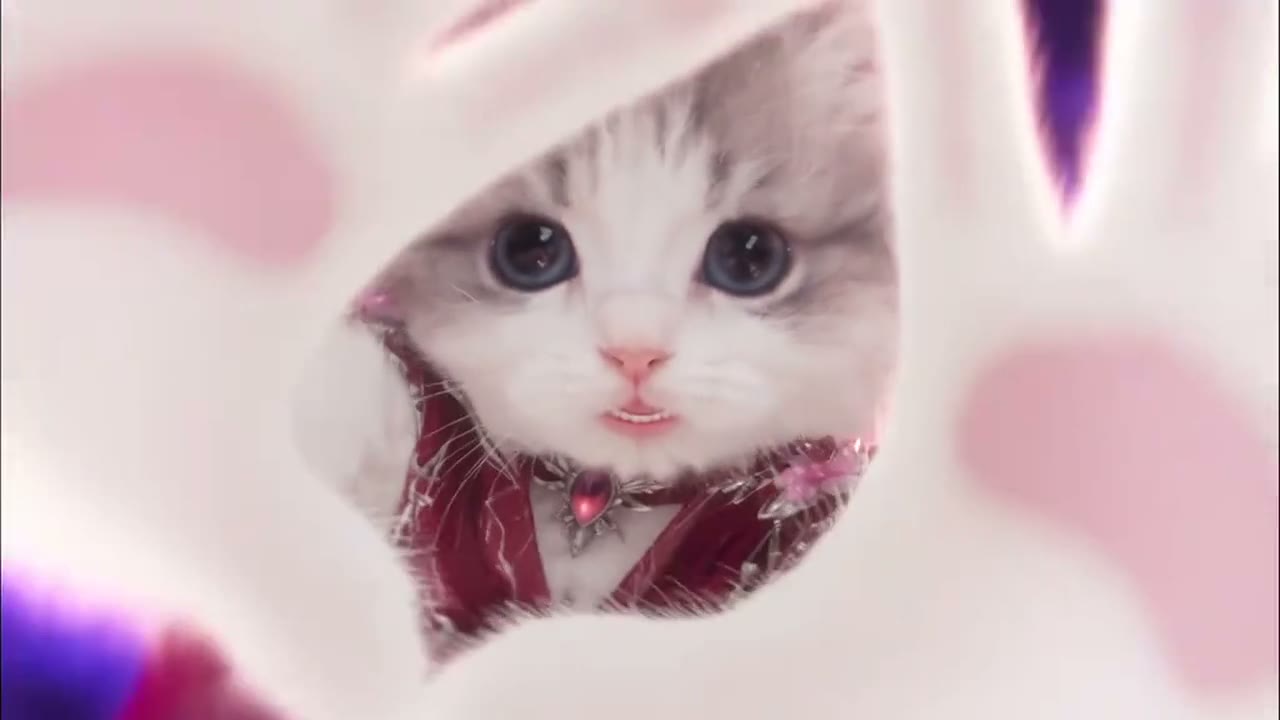
- You can also pair yourself with a friendly pet in the Pet Studio Duet scene.
The reference video is silent; the audio track is composited in post-production to preserve sound fidelity.
FAQ
Can I generate a video with just one photo?
Yes. Photo 1 takes the opening role on the left, and the AI invents a matching performer on the right.
Does the video include audio?
Yes. The video reference guides motion silently, and the reference soundtrack is added in post-production.
How many credits are needed?
A 15-second video costs 100 credits at 480p or 140 credits at 720p.
Can I use pet photos?
Yes, you can pair a person with a pet or generate two pets sharing the studio stage.