How to Make a KDA Firestarter AI Video
A successful Firestarter remix keeps the dance recognisable while changing the lead. The photo supplies your face and outfit; a video reference supplies the gestures, cuts and camera movement. Here is how to use the prepared template, choose between cosmic and hallway scenes, and check the result before posting.
Where the Firestarter dance comes from
K/DA's FIRESTARTER is the music-video context for Kai'Sa's vogue sequence. Riot's media archive dates the official music-video entry to 19 October 2026 and the choreography entry to 21 October. The dance has become a canvas for remakes with different performers and visual styles.
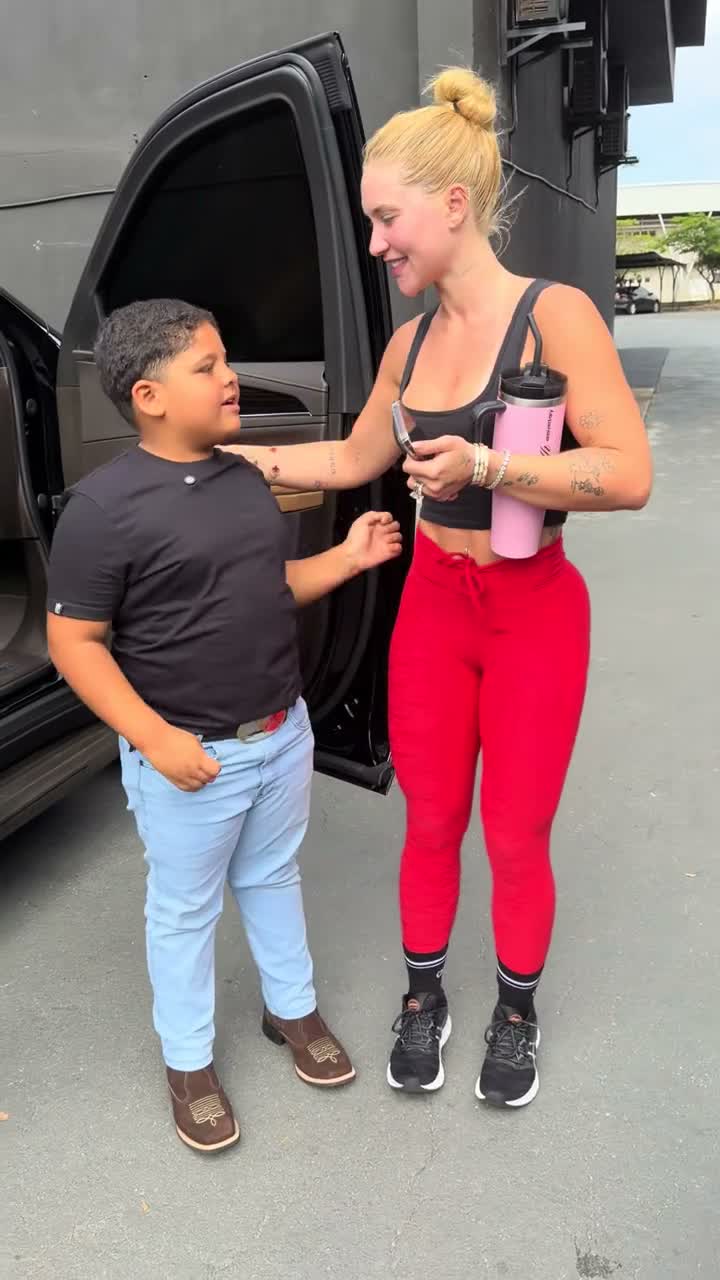
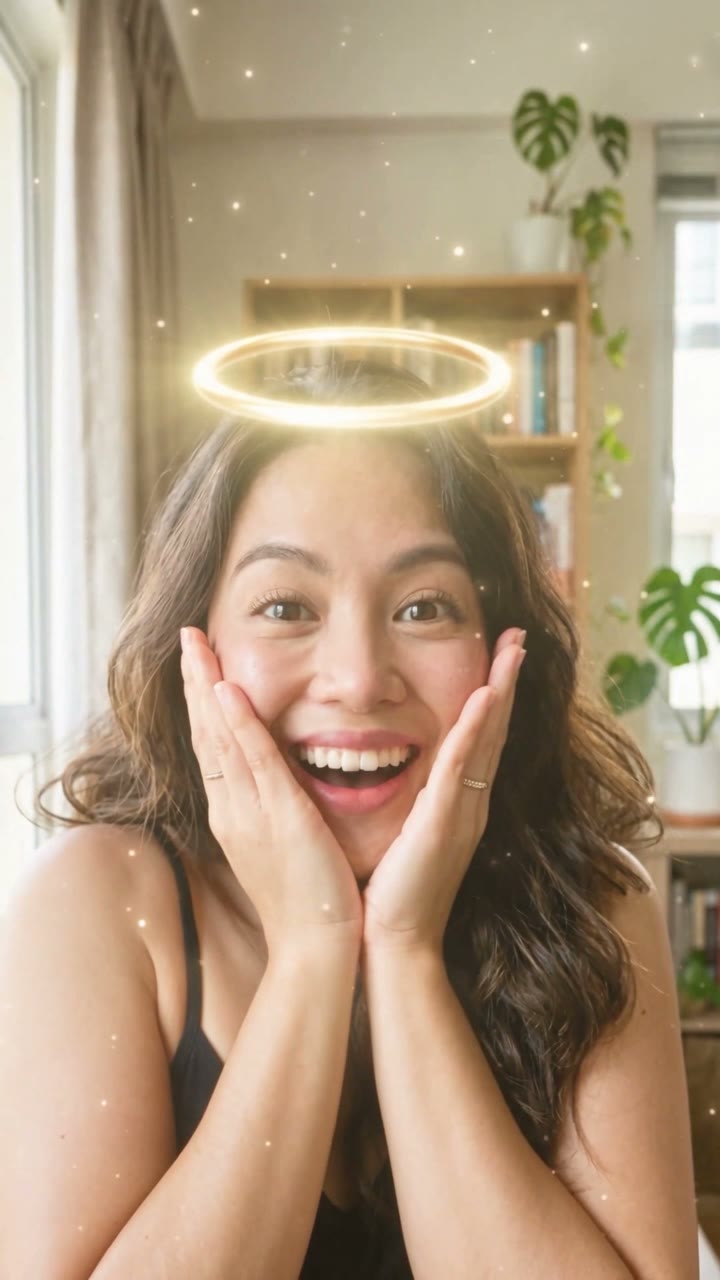
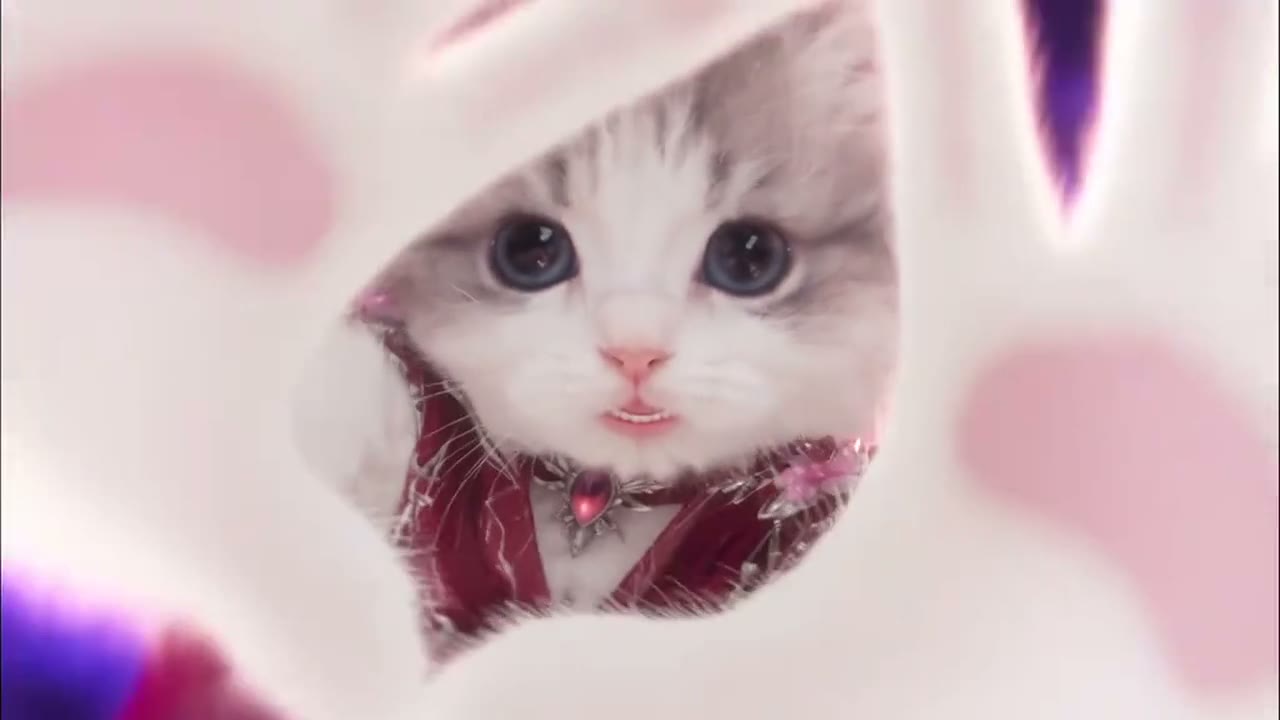
The remake format has a clear visual hook: close framing, angular hands, a palm almost touching the lens, then a wider dance against swirling light. People, cats and fictional characters appear in the source examples. These clips demonstrate a trend, rather than proving that every kind of subject works in this template.
Compare the dance reference with the Remake, then choose a scene in the maker to see its matching 14-second preview.
Make your version from one photo
Upload your dancer
Open the KDA Firestarter maker and upload a sharp photo of one adult. Face the camera and show hair, outfit and as much of the body as possible. Use your own photo or an adult's photo with permission.
Pick a scene
Galaxy Swirl gives you purple haze and pink light. Silver Smoke uses cool lighting and pale trails. Real-life Cover follows a different full-body dance in a tiled hallway.
Choose quality and sound
The template uses Seedance 2.0 Mini. 480p is 100 credits and 720p is 140 credits. Keep music enabled to composite the matching reference audio, or choose No song.
Generate and review
Submit the job and wait for completion in My videos. Check your face in the close-ups, the palm gesture, the leg movement and the ending. Download the MP4 once it is ready; failed jobs return credits automatically.
Créez la vidéo KDA Firestarter avec une photo
Vidéo de 14 secondes au format 16:9, avec le son de la trend, à partir de 100 crédits. Aucun prompt requis.
Ouvrir le générateur KDA FirestarterChoose the scene by its actual motion
| Scene | Look and framing | Motion reference |
|---|---|---|
| Galaxy Swirl | Purple nebula, magenta haze, 16:9 | A cosmic remake; the source animal supplies poses, while your photo supplies the adult human identity |
| Silver Smoke | Dark stage, blue-grey smoke, pale ribbons, 16:9 | A cinematic human remake with close-ups, vogue arms and a rolling finish |
| Real-life Cover | Bright tiled hallway, 3:4 | A full-body cover with steps, a kick, a turn and a floor finish |
Every selectable scene has its own playable Remake on the template page. Each preview uses the same frames and 14-second timing as its motion reference. The hallway dance and soundtrack are slowed together from about 10.75 seconds to preserve its full routine, including the floor finish.
The cosmic sequence, beat by beat
| Time | What to look for |
|---|---|
| 0–1 seconds | A tight face shot: check identity immediately |
| 1–3 seconds | The torso enters view as one hand crosses the chest and sweeps away |
| 3–5.5 seconds | A low angle, a lean and an open palm close to the lens |
| 5.5–9 seconds | A wider frame, angular arms, leg lift and pivot among light trails |
| 9–12 seconds | Arms frame the face, the leg extends and the hands rise |
| 12–14 seconds | The overhead movement resolves into a rolling, inverted close-up |
These times describe the prepared cosmic reference. They guide generation without guaranteeing frame-exact choreography. The hallway cover follows its own reference and ends near the floor.
Photo choices that improve the remake
- Keep the face readable. Eyes, nose and jaw should be sharp in even light; sunglasses and heavy filters remove useful identity details.
- Show the outfit. A face-only crop gives the model little evidence for trousers, sleeves or shoes when the shot widens.
- Choose one adult. Group photos make the intended lead ambiguous. The template has one upload slot and one lead dancer.
- Leave room for limbs. Full-body poses and visible hands help the wide shots, especially for the hallway kick and floor ending.
Build it yourself with a motion reference
For a manual workflow, Kie's Seedance 2.0 Mini documentation supports multimodal references. Supply the photo in the reference-image field and a prepared dance clip in the reference-video field. Do not also send the photo as a first frame: the API treats first-frame generation and multimodal reference generation as separate modes.
- Separate the roles. The photo defines identity and clothes. The motion clip defines choreography, cuts and camera. Explicitly replace the source lead in every shot.
- Describe one environment. Use a purple cosmic vortex, a cool smoke stage or a real hallway. Combining all three can cause unwanted scene changes.
- Preserve the ending. Use a reference long enough to include the camera roll or floor pose you want. Shortening the clip can remove that beat.
- Keep the sound plan explicit. This template sends silent motion video and requests silent output, then adds the matching audio after rendering when music is enabled.
- Respect the model limits. This template exposes 480p and 720p, with one 14-second output. The selected scene determines the aspect ratio.
Common mistakes and practical fixes
| Problem | What to change |
|---|---|
| Face drifts after a cut | Use a sharper, more frontal photo with fewer shadows; keep the same identity reference across the whole clip |
| Generic dance instead of Firestarter | Use the actual reference clip and match the sequence of poses and cuts, rather than asking for the trend by name |
| Source costume or animal features appear | State that the source lead is completely replaced and clothing comes only from the uploaded photo |
| Hands blur at the lens | Inspect that moment before sharing; reference video guides the pose but does not guarantee perfect fingers |
| Hallway result feels slower | That reference is intentionally retimed from about 10.75 to 14 seconds, including its soundtrack |
Human, cat and character examples
Explore ten playable Remake videos with different performers, backgrounds and styles. The gallery includes short and full-length dance interpretations. For your own video, choose one of the three scenes in the maker and preview its complete 14-second routine.
Full dance remix · Remake
Short portrait remix · Remake
Blonde dancer · Remake
Dark-haired dancer · Remake
Nebula backdrop · Remake
Silver light trails · Remake
Cat remix · Remake
Mascot remix · Remake
Anime remix · Remake
Game-character remix · Remake
Soundtrack and sharing
The downloaded soundtrack is added in post-production, so it is not newly composed audio from the model. The music, choreography and source media remain with their respective rights holders. Buying a generation does not grant those rights. If you prefer to choose an available sound within the destination platform, generate with No song. Follow that platform's AI disclosure and music rules.
Créez la vidéo KDA Firestarter avec une photo
Vidéo de 14 secondes au format 16:9, avec le son de la trend, à partir de 100 crédits. Aucun prompt requis.
Ouvrir le générateur KDA FirestarterFAQ
Do I need to upload a dance video?
No. The template already includes a scene-specific motion reference. You upload one photo.
Why is this 14 seconds when other guides say 13?
The actual cosmic reference files are about 14 seconds and include a rolling ending. This template keeps the complete sequence and retimes the shorter hallway cover to the same duration.
Can I choose Seedance Pro or MiniMax instead?
This template offers Seedance 2.0 Mini only, at 480p or 720p. Its reference workflow and prices are configured for that model.
Are the examples proof that this generator supports pets?
No. They show the wider trend on another site. The maker is tuned for one adult person and pet generation has not been validated here.
Can I remove the song?
Yes. Select No song before generation to disable soundtrack compositing and request silent output.