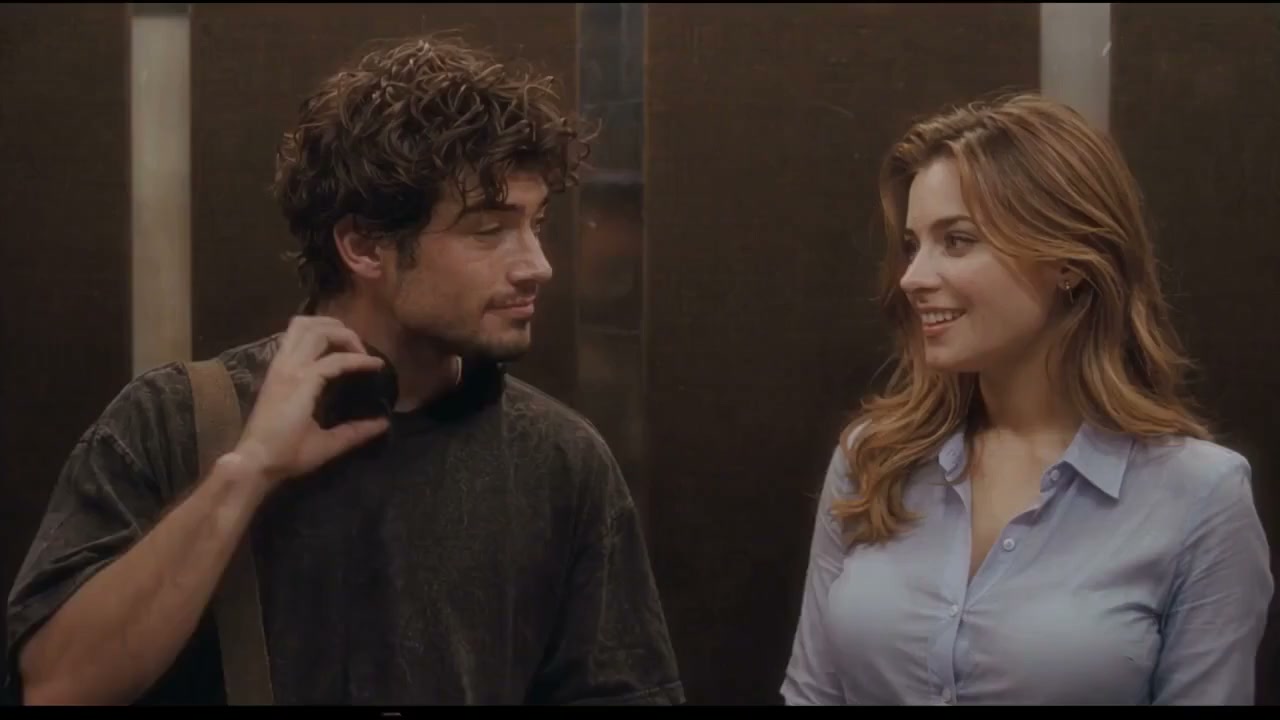
What is the Angel or Devil filter trend?
The TikTok face effect puts an angel and a devil above your head while two percentages climb. The reveal gives the subject a halo or horns. In the AI version, a still photo becomes a short video with the same playful suspense. The result is entertainment, not a personality test.
A TikTok example of the original face effect. The angel scene reference is from MakeViral and the devil scene reference is from AngelOrDevilAI; neither preview was generated on this site. @illysillyyyy on TikTok
Angel or devil: choose your ending
Angel wins ends with a golden halo and a delighted reaction. Devil wins ends with a dramatic horned transformation in red light. Make both from the same photo and ask friends to vote.
Como a trend de IA Angel or Devil viralizou
- 1 de agosto de 2021: A post using the #angeldevilfilter tag appears on TikTok. TikTok
- 4 de outubro de 2024: @illysillyyyy shares the meter effect with a devil reveal; the post passes one million views. TikTok
- 8 de outubro de 2025: An angel or demon filter compilation reaches millions of views. TikTok
- 10 de outubro de 2026: A one-photo filter tutorial helps bring the effect to a new wave of AI videos. TikTok
View counts are approximate and change over time; trend history follows MakeViral's linked research.
A trend de IA Angel or Devil, cena por cena
- 0–3s
The angel and devil icons appear above your head and their percentages start counting.
- 3–6s
The numbers race as you glance up and wait for the result.
- 6–8s
The selected side wins; a halo descends or red horns appear.
- 8–10s
React to the result with a smile or a mischievous grin.
Como criar a trend de IA Angel or Devil
- One person: A clear photo of you or another consenting adult. Temas: Angel wins, Devil wins.
Como criar um vídeo Angel or Devil
Choose your ending
Pick Angel wins for a halo or Devil wins for red horns.
Add one photo
Choose a clear chest-up portrait with space above your head.
Generate
Choose a quality, then generate your video using the selected reference.
Share
Download the vertical video and add a caption asking friends to vote.
Crie a trend de IA Angel or Devil por conta própria: o que incluir no prompt
To make your own, use an image-to-video model with a clear selfie and describe the meter, timing and chosen reveal.
- Leave room for the meter: Frame the person chest-up and specify screen-fixed icons above the head.
- Set the timing: Let both counters rise for six seconds before the halo or horns appear.
- Keep the face consistent: Ask the model to preserve the photo's identity, hair, clothing and setting.
- Check the digits: AI-generated numbers may be imperfect; retry or add a meter in an editor for precise text.
Guias de Angel or Devil

How to Do the Angel or Devil Filter AI Trend
Make the angel or devil filter from one photo: choose a halo or horns, prepare your selfie, generate the video and share your result.
Dicas de foto para Angel or Devil
- Face the camera in good light, with your face unobstructed.
- Leave space above your head for the meter, halo and horns.
Quem colocar no vídeo
- Yourself
- A friend who agrees
- The person everyone calls an angel