365 Elevator AI Trend

One waits. One walks in. Both play it cool.

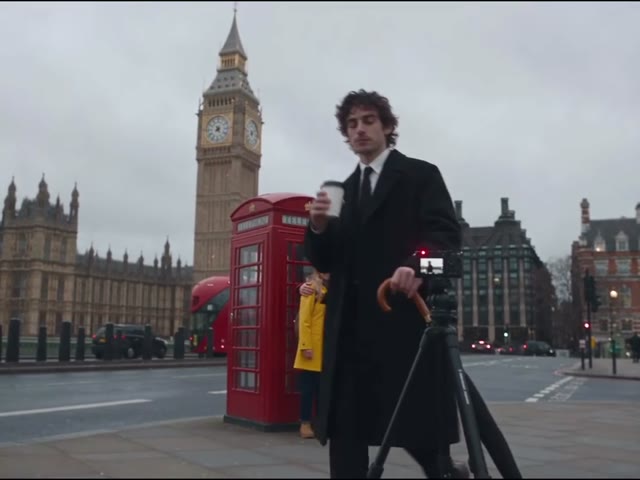
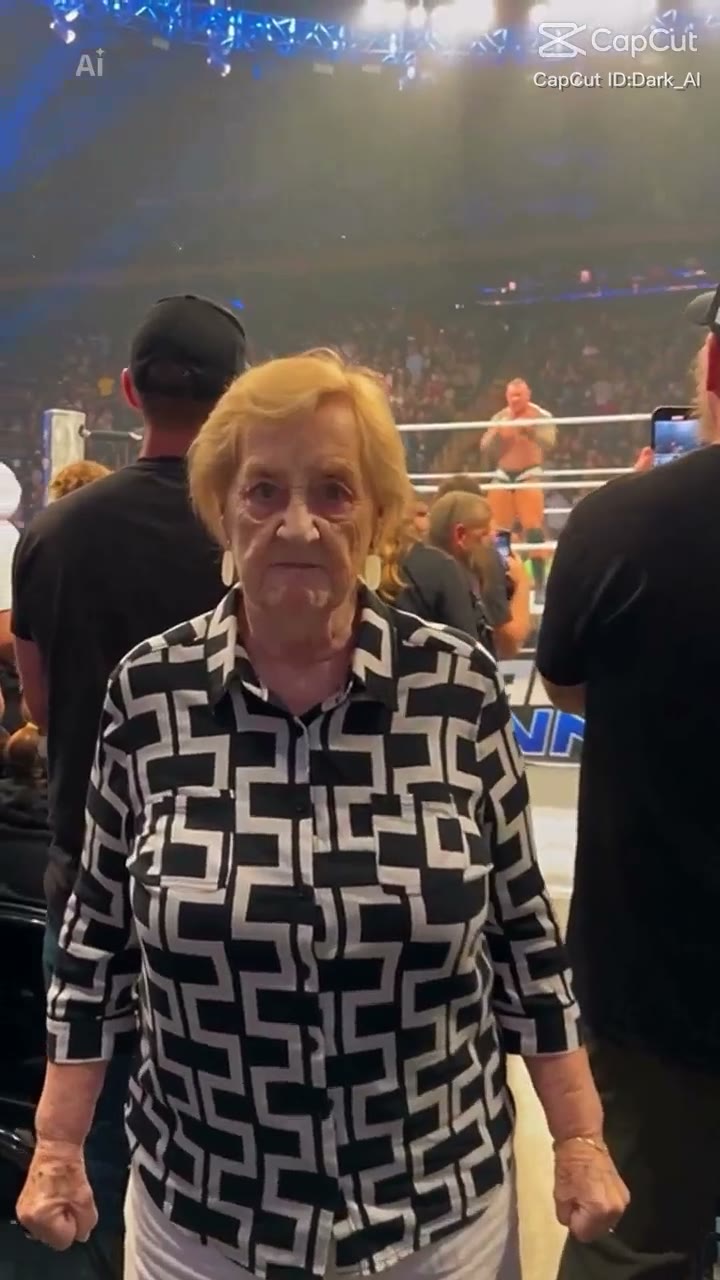
One person waits on the right. The other walks in, turns and settles on the left. Upload the two photos in that order to make a 14-second, 4:3 video with the “365” soundtrack added after rendering.

  • 2 fotos
  • 14s
  • 4:3
  • ♪ Optional “365” soundtrack

Remake · Elevator duo
Supplied remake example with a new cast in the same elevator setup.

What is the 365 Elevator trend?

The TikTok edit puts an unexpected pair in a steel lift under two strip lights. A single fixed shot makes the entrance, phone check and awkward side glance easy to read. The Ronaldo and Messi AI fan edit is one example of the format.

The Origin clip is a Ronaldo and Messi AI fan edit by @neoausdermatrix33 on TikTok

How the picture and soundtrack come together

Seedance 2.0 uses two portraits for the cast and a silent reference clip for the camera and movement. After it renders, the generator adds the “365” excerpt from that same motion clip. Choose No song for a silent MP4.

Cómo se volvió viral el trend de IA 365 Elevator

  1. 12 de noviembre de 2026: Sampagne releases the official “365” music video. Sampagne on YouTube
  2. 19 de noviembre de 2026: An early elevator duo edit pairs two familiar faces in one fixed shot. @neoausdermatrix33 on TikTok
  3. 20 de noviembre de 2026: The Ronaldo and Messi edit casts Ronaldo as the one waiting and Messi as the entrant. @neoausdermatrix33 on TikTok

El trend de IA 365 Elevator, momento a momento

  1. 0–1s

    Open on one person waiting on the right in a brushed-steel elevator under two strip lights.

  2. 1–2.5s

    The second person crosses the foreground with their back to the camera, then takes the spot on the left.

  3. 2.5–4.5s

    The entrant turns forward, touches near their ear and glances down at the phone in their hand.

  4. 4.5–8s

    Both stay in frame. The entrant lowers the phone while the waiting person makes a small gesture near their face.

  5. 8–14s

    Hold the two-shot as the pair trade brief glances. The person on the right makes a few small hand gestures before both face forward.

Cómo crear un video 365 Elevator

  1. Upload the waiting person

    Photo 1 supplies the person standing inside on the right at the start.

  2. Upload the person walking in

    Photo 2 supplies the entrant, who turns and ends up on the left.

  3. Generate and download

    Choose 480p or 720p and whether to include the song. Save the 14-second MP4 when it’s ready.

Consejos de fotos para 365 Elevator

  • Use one face per photo and keep the eyes, hair and outfit visible.
  • For the walk-in, a waist-up portrait gives the model more of the outfit to carry through the turn.

A quién elegir

  • You and a friend who rarely end up in the same frame.
  • Two adults in outfits that immediately set them apart.
Crea tu video 365 Elevator

365 Elevator TikTok examples

1 publicaciones del trend, ordenadas por reproducciones. Toca un clip para verlo aquí.

@neoausdermatrix33 · 20 de noviembre de 2026

Ronaldo waits in the lift as Messi walks in, turns and checks his phone.

Preguntas frecuentes sobre 365 Elevator

Which photo goes on which side?

Photo 1 waits on camera-right. Photo 2 enters from the foreground and settles on camera-left.

What is the song in the 365 Elevator trend?

It’s “365” by Sampagne. The template adds the excerpt after generating the picture, and you can turn the song off before generating.

What format does the template export?

A 14-second MP4 with a 4:3 frame at either 480p or 720p.

What photos work best?

Use two sharp solo photos of adults who agree to appear. A clear face, hair and upper outfit help the model preserve each person through the turn.

También se busca

  • 365 Sampagne elevator trend
  • unexpected duo elevator edit
  • 365 elevator AI prompt
  • how to do the 365 elevator trend

How to make the 365 Elevator edit

Choose who waits inside and who walks in. The upload order decides where each person appears in the 4:3 frame.

Leer guía →

Make the video from two photos

  1. Upload the waiting person

    Photo 1 supplies the person standing inside on the right at the start.

  2. Upload the person walking in

    Photo 2 supplies the entrant, who turns and ends up on the left.

  3. Generate and download

    Choose 480p or 720p and whether to include the song. Save the 14-second MP4 when it’s ready.

Use sharp solo photos with the face, hair and upper outfit visible. Similar photo angles help both people look consistent as the entrant turns toward the camera.

Abrir el generador de 365 Elevator

Seedance 2.0 settings and prompt

In reference-to-video mode, attach the waiting person as reference image 1 and the entrant as reference image 2. Attach a silent copy of the motion clip as the video reference. Set 14 seconds, 4:3 and 480p or 720p. Disable generated audio, then lay the matching song excerpt over the finished picture from the start of the clip.

365 Elevator · two images and one motion reference
Create a 14-second 4:3 photorealistic video in one continuous locked-off shot. Follow the silent reference video's blocking, framing and timing. Keep the camera at the elevator threshold, facing the brushed-steel back wall and two cool white ceiling strips. Show both people from about waist level up after the entrance. No cuts, zooms or camera movement.

The adult in reference image 1 is already inside on camera-right. The adult in reference image 2 enters from the foreground with their back to the lens, moves to camera-left, and turns forward. Maintain each adult's own face, hairstyle, build, skin tone and visible clothing throughout, including through the turn. Use the motion clip only for the room, camera and choreography. Do not carry over its cast's faces, outfits, jewelry or accessories. Keep the two identities distinct.

0–1s — Open on one person waiting on the right in a brushed-steel elevator under two strip lights.

1–2.5s — The second person crosses the foreground with their back to the camera, then takes the spot on the left.

2.5–4.5s — The entrant turns forward, touches near their ear and glances down at the phone in their hand.

4.5–8s — Both stay in frame. The entrant lowers the phone while the waiting person makes a small gesture near their face.

8–14s — Hold the two-shot as the pair trade brief glances. The person on the right makes a few small hand gestures before both face forward.

Keep the facial movements subtle and the hand gestures compact. Preserve both faces in frame during the closing hold. Exactly two people, one phone with an unreadable screen, natural hands, no text, no logos and no watermarks. Render picture only.

Post the edit on TikTok

Keep the 4:3 frame so both people and the overhead lights stay visible. If you want to choose the sound in TikTok, generate with No song and add “365” by Sampagne in TikTok. For a realistic AI edit, use TikTok’s AI-generated content setting under More options before posting.

See the TikTok trend breakdown to compare the shots.

How the 365 Elevator trend works on TikTok

The joke plays out in one locked shot. The elevator lights and framing stay fixed while an unexpected second person enters, turns and stands next to the first.

Leer guía →

The Ronaldo and Messi edit and the remake

In @neoausdermatrix33’s TikTok edit, Ronaldo is already on the right when Messi walks into frame and turns on the left. The remake keeps the same entrance and spacing with a different pair.

Original / Recreado

The 14-second walk-in, beat by beat

The template follows a separate motion reference. Its cast sets the timing for the phone check, small gestures and steady closing two-shot.

TimeWhat happens in the motion reference
0–1sOpen on one person waiting on the right in a brushed-steel elevator under two strip lights.
1–2.5sThe second person crosses the foreground with their back to the camera, then takes the spot on the left.
2.5–4.5sThe entrant turns forward, touches near their ear and glances down at the phone in their hand.
4.5–8sBoth stay in frame. The entrant lowers the phone while the waiting person makes a small gesture near their face.
8–14sHold the two-shot as the pair trade brief glances. The person on the right makes a few small hand gestures before both face forward.

The song and the TikTok posts

Ejemplos del trend de IA 365 Elevator en TikTok

Use the 365 Elevator tutorial and prompt to make the scene with your own two photos.

Más efectos en tendencia