How to Make the JISOO Addicted AI Video
Turn two photos into a 15-second hallway duet inspired by the ADDICTED dance. This guide explains the reference, the six movements and how to make your own video.
The hallway duet and its AI remake
In the reference, two dancers take turns near the camera in a cream hallway, lean together, swap sides and finish with hand gestures. AI remakes use photos to guide the appearance of the dancers while the video guides their movements.
The 15-second dance
| Time | Movement |
|---|---|
| 0–2 seconds | One dancer poses down the hallway while the other passes the camera. |
| 2–5 seconds | The pair take turns near the lens, bouncing and raising their arms. |
| 5–6 seconds | A close turn transitions into the duet. |
| 6–9 seconds | One dancer leans on the other's shoulder. |
| 9–12 seconds | They swap places and gesture near their faces and hair. |
| 12–15 seconds | Both face the camera and finish with hand gestures. |
Create your duet
Prepare two photos
Choose one clear, front-facing photo of each person, with their permission. Show the face, hair and shoulders in good light.
Open the maker
Open the JISOO Addicted Dance generator and upload both photos. The hallway reference and motion instructions are built in.
Choose quality
Choose 480p for 100 credits or 720p for 140 credits. The output is a 15-second vertical video.
Generate and download
Generate the video and wait for it to finish. The reference audio is added after generation; preview the result and download it from your videos.
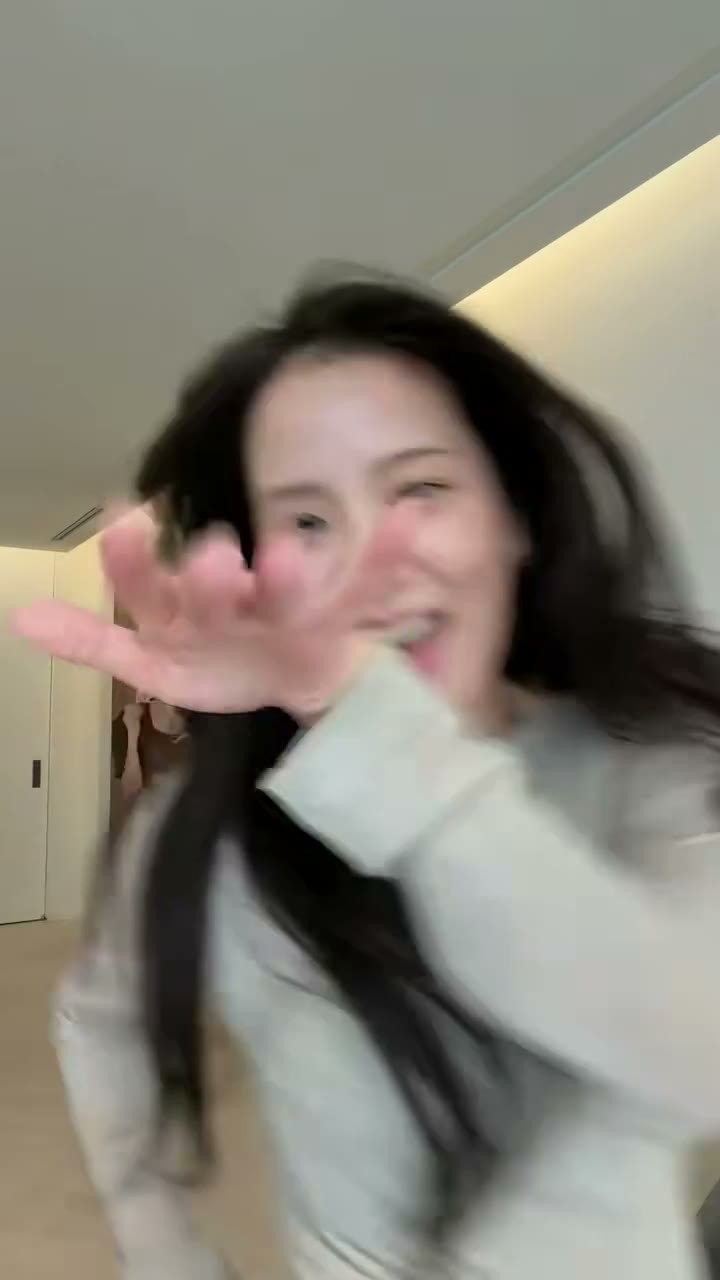
Erstelle das JISOO Addicted Dance Video mit 2 Fotos
15 Sekunden · 9:16 · mit eigenem Sound · ab 100 Credits. Kein Prompt nötig.
JISOO Addicted Dance Generator öffnenTips for a better result
- Use sharp, evenly lit photos and avoid sunglasses or heavy filters.
- Choose photos with visible hair and clothing for more context.
- Movement, hands, identity and timing can vary between AI generations.
- When posting, check the platform's rules for music and AI-generated content.
FAQ
How many photos do I need?
This template needs two photos, one for each dancer.
Is sound included?
The reference audio is added after the video is generated.
What does it cost?
480p costs 100 credits and 720p costs 140 credits.